Android eSIM-Compatible Devices: The Complete 2025 List
Discover if your Android device is eSIM compatible! Plus, find out how to set up and troubleshoot your travel eSIM for seamless global connectivity.
Discover if your Android device is eSIM compatible! Plus, find out how to set up and troubleshoot your travel eSIM for seamless global connectivity.
Tired of fumbling with tiny SIM card ejector tools or fretting over lost plastic SIM cards while traveling? For Android users, grasping Android eSIM compatibility can revolutionize your travel experience.
However, it's crucial to remember that not all Android devices support eSIM technology, and setup processes can differ greatly even among those that do. Android eSIM compatibility varies by manufacturer, with Samsung and Google, for instance, having distinct requirements.
This comprehensive guide will equip you with all the essential information about Android eSIM compatibility. We'll help you determine if your device is ready for effortless international connectivity and show you how to leverage your eSIM for your travels.
Photo by Daniel Romero on Unsplash
What is eSIM, and How Does Android eSIM Compatibility Work?
Understanding eSIM Technology
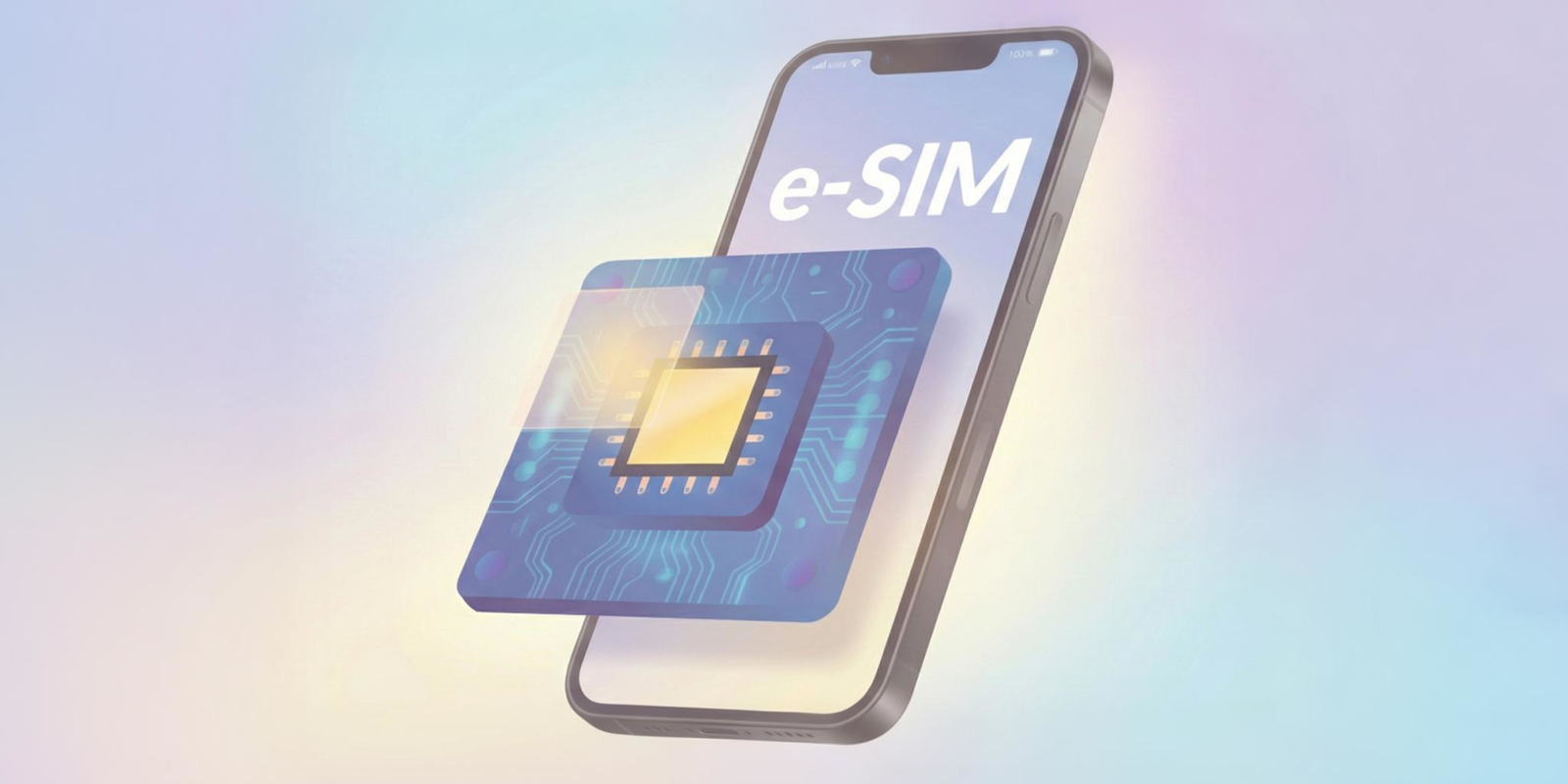
Let's start with the basics – an eSIM (embedded SIM) is essentially a digital version of your traditional physical SIM card that's built directly into your device.
Think of it as having a SIM card that's permanently installed in your phone, but one that can be programmed and reprogrammed with different carrier profiles without ever needing to physically swap anything out.
How Android eSIM Compatibility Works
Android eSIM compatibility means your Android device has the necessary hardware and software components to support this embedded SIM technology. When your phone is eSIM-compatible, you can download carrier profiles directly from mobile network operators, activate new plans instantly, and even maintain multiple carrier profiles simultaneously. This is perfect for travelers who want to keep their home number active while using local data plans abroad.
The Basics of Using a Travel eSIM
The beauty of eSIM compatibility lies in its flexibility. For travelers, this means you can activate a data plan in any eSIM-supported country within minutes of landing, all while keeping your primary number accessible for important apps like WhatsApp.
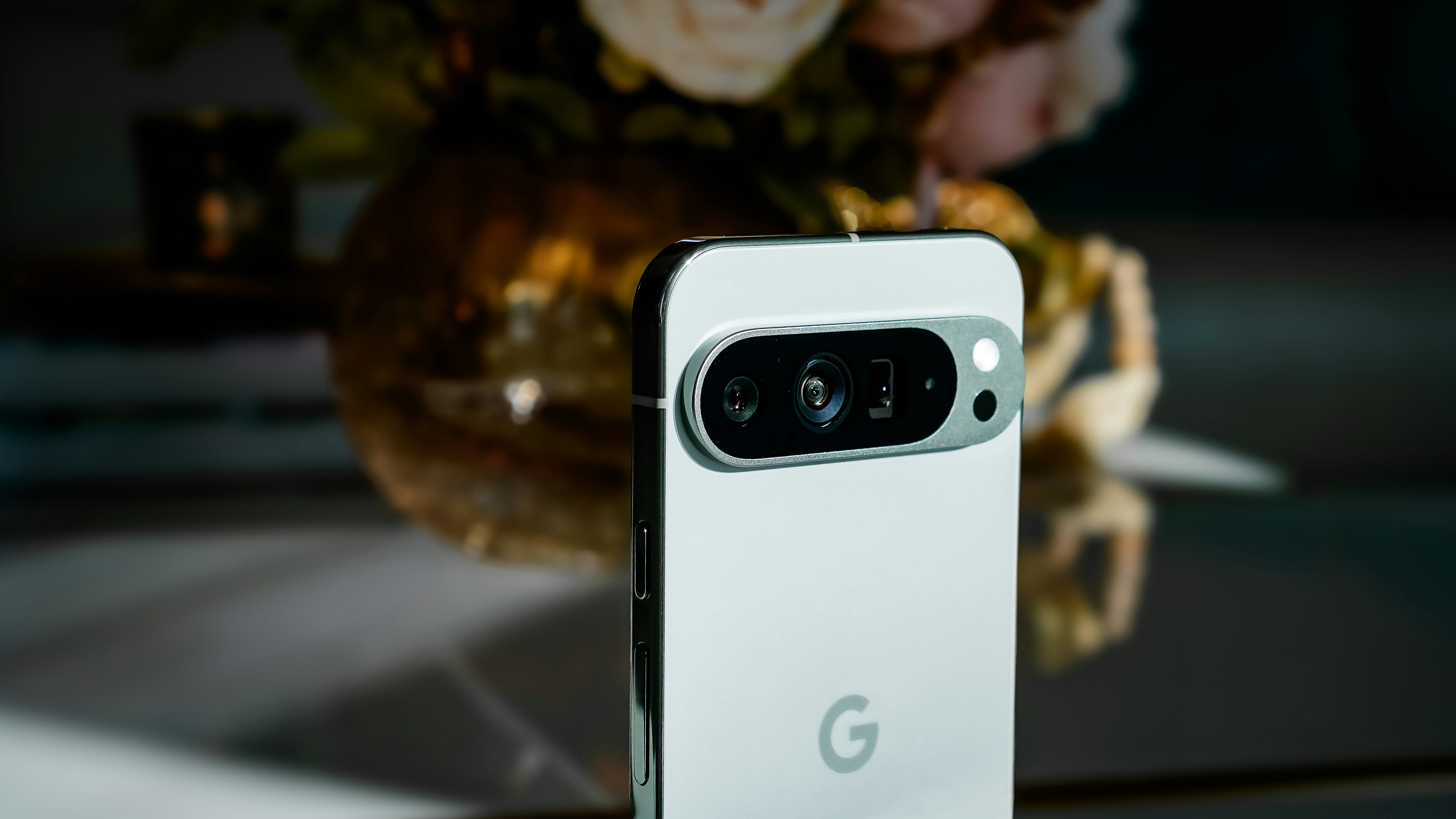
Photo by Triyansh Gill on Unsplash
Which Android Phones Support eSIMs?
Android eSIM compatibility isn't universal across all Android devices, so knowing whether your specific phone supports this technology is crucial before planning your travel connectivity strategy. The good news is that most flagship Android devices released after 2018 include eSIM support, but there are some important distinctions to understand.
Google Pixel Devices
Google Pixel phones have been pioneers in Android eSIM compatibility, with support starting from the Pixel 2 series:
Pixel 2 and Pixel 2 XL (first Google phones with eSIM)
Pixel 3, 3 XL, 3a, and 3a XL
Pixel 4, 4 XL, 4a, 4a 5G
Pixel 5 and Pixel 5a
Pixel 6, 6 Pro, and 6a
Pixel 7, 7 Pro, and 7a
Pixel 8, 8 Pro, and 8a
Pixel Fold and newer foldable models
All these Pixel models offer robust eSIM functionality that works seamlessly with international travel eSIM providers.
Samsung Galaxy eSIM-Compatible Models
Samsung Galaxy devices also offer extensive Android eSIM compatibility, particularly in their flagship series:
Galaxy S23 / S23+ / S23 Ultra
Galaxy S22 / S22+ / S22 Ultra
Galaxy S21 / S21+ / S21 Ultra
Galaxy S20 / S20+ / S20 Ultra
Galaxy Z Fold5 / Z Flip5
Galaxy Z Fold4 / Flip4
Galaxy Z Fold3 / Flip3
Galaxy Z Fold2,
Galaxy Z Flip 5G,
Galaxy Z Flip,
Galaxy Fold
Galaxy Note20 / Note20 Ultra
However, Samsung's eSIM implementation can vary by region and carrier, so it's worth double-checking your specific model.
Other Major Android Manufacturers
Other Android manufacturers have also embraced eSIM technology. OnePlus devices starting from the OnePlus 11, many Xiaomi flagship models, and select Oppo and Huawei phones now include Android eSIM compatibility. The key is to verify not just that your phone model supports eSIM, but also that your specific variant (as some manufacturers release different versions for different markets) includes this functionality.
Checking Your Device Compatibility
To check if your Android device supports eSIM, look for "eSIM" or "Digital SIM" options in your Settings menu under Mobile Network or SIM card management.
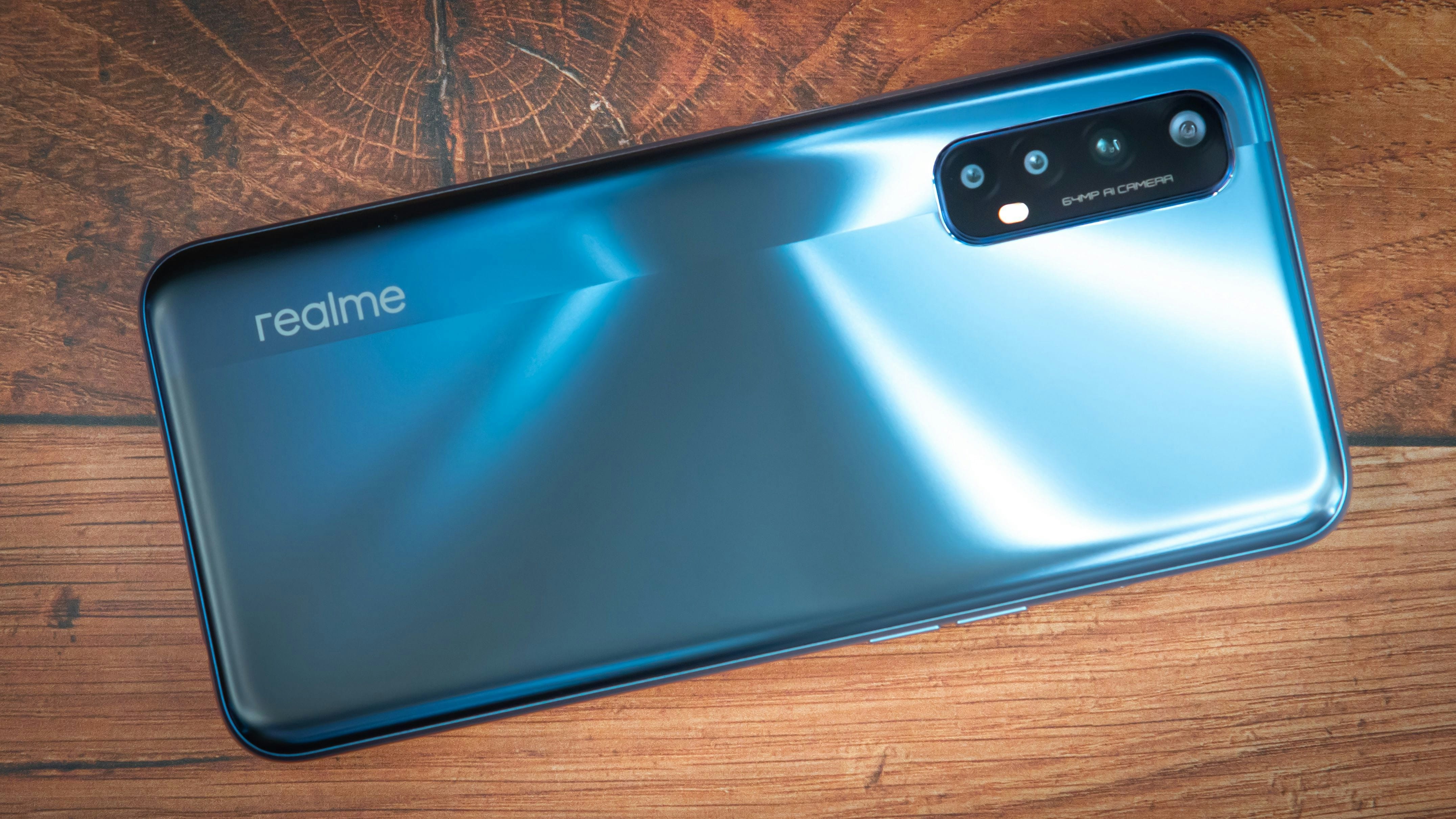
Photo by TechieTech Tech on Unsplash
Setting Up eSIM on Your Android Device: A Step-by-Step Guide
Once you've confirmed your Android eSIM compatibility, setting up your travel eSIM is surprisingly straightforward, though the exact steps can vary slightly depending on your device manufacturer and Android version.
Pre-Setup Preparation
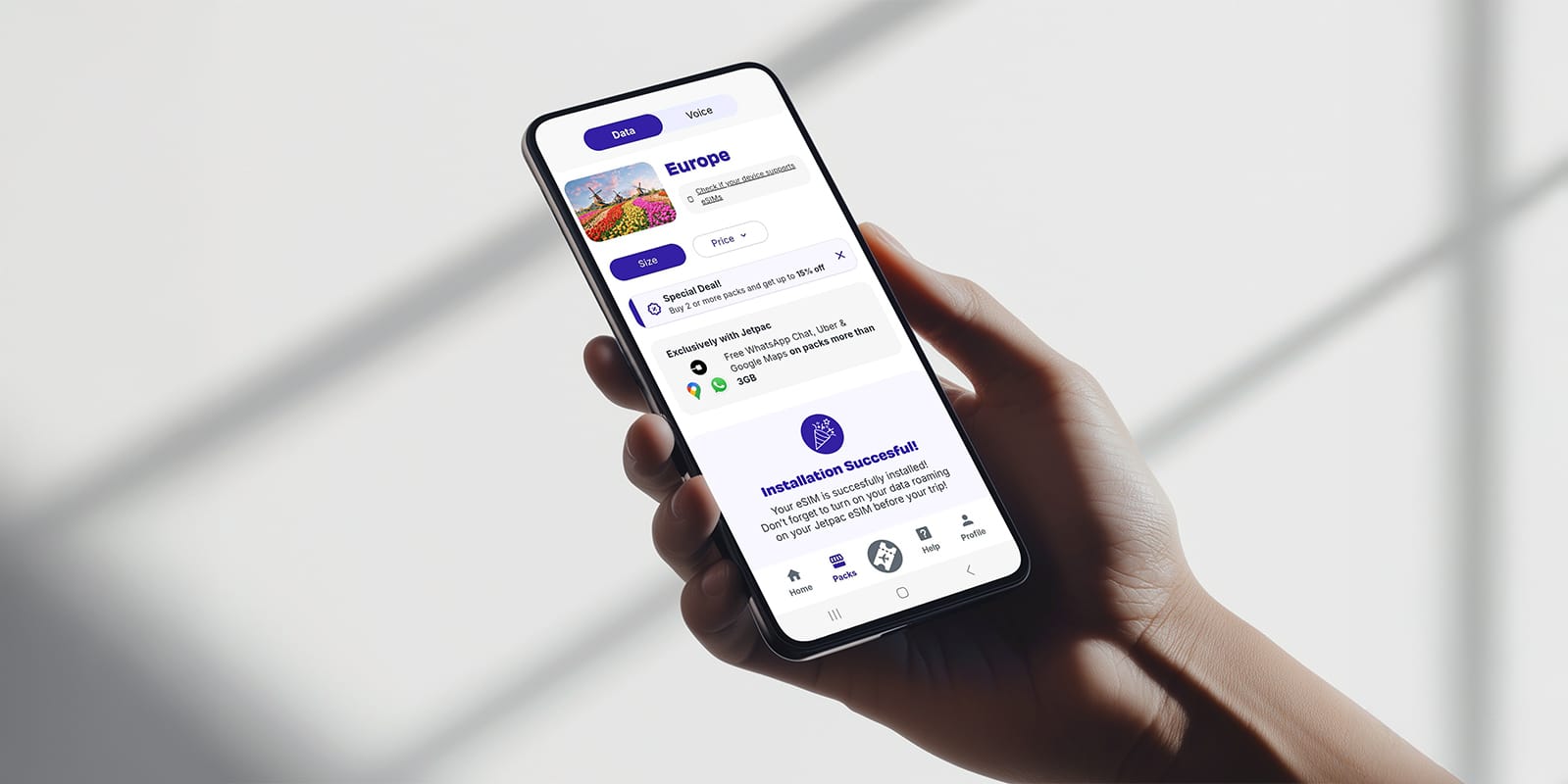
The process typically begins with purchasing an eSIM plan from your chosen provider. Most travel eSIM companies, like Jetpac, will provide you with a QR code or activation details via email after purchase. Before you start the setup process, ensure you have a stable Wi-Fi connection and that your device's software is up to date.
Installation Process for Android eSIM Compatibility
For most Android devices with eSIM compatibility, you'll navigate to Settings > Network & Internet > Mobile Network > Add Carrier or Add eSIM. The exact menu names might differ slightly between manufacturers, but the concept remains consistent across Android eSIM compatibility implementations.
When prompted, you can either scan the QR code provided by your eSIM carrier or manually enter the activation details. Your phone will then download the eSIM profile and configure the necessary network settings automatically. This process usually takes just a few minutes.
Managing Multiple eSIM Profiles
One of the most valuable features of Android eSIM compatibility is the ability to manage multiple profiles. You can keep your home carrier's profile active while adding travel eSIM profiles for different countries. In your phone's settings, you can easily switch between these profiles or configure them for specific uses – perhaps keeping your home SIM for calls and messages while using the travel eSIM exclusively for data.
Best Practices for Profile Management
Remember to label your eSIM profiles clearly, especially if you're planning to visit multiple countries and will be managing several travel eSIM profiles simultaneously.

Photo by Petr Macháček on Unsplash
Troubleshooting Common Android eSIM Issues While Traveling
Even with perfect Android eSIM compatibility, travelers sometimes encounter connectivity challenges that can put a damper on their adventures. Understanding common issues and their solutions can save you valuable time and frustration while exploring new destinations.
Network Connection Problems
The most frequent problem travelers face is network selection issues. Sometimes your phone might not automatically connect to the strongest available network in your destination country. In your Android eSIM compatibility settings, try manually selecting different network operators if automatic selection isn't working optimally.
Data Connectivity Troubleshooting
Data connectivity problems are another common concern. If your eSIM profile is active but nothing’s connecting, check that mobile data and data roaming are enabled for your travel eSIM profile specifically. Android devices with eSIM compatibility allow you to configure different data usage settings for each SIM profile, and sometimes, the wrong profile might be selected for data services.
Activation Issues and Solutions
Activation failures can be particularly frustrating, especially when you're already at your destination. If your eSIM profile fails to activate, ensure you have a strong Wi-Fi connection during the setup process. Sometimes, clearing your phone's network settings cache can resolve stubborn activation issues.
If you’re using Jetpac eSIM, our customer support is available via WhatsApp, chat, and email to help you out.
Quick Fixes for Persistent Problems
For Android eSIM compatibility problems that persist, try restarting your device after installing a new eSIM profile. Many connectivity issues resolve themselves after a simple reboot, as this allows your phone to properly register with the new network and refresh all connection protocols.

Photo by Miguelangel Perez on Unsplash
Maximizing Your Travel Experience with Android eSIM Benefits
Understanding Android eSIM compatibility opens up a world of travel possibilities that go far beyond simple connectivity. Smart travelers are discovering that eSIM technology can actually enhance their entire travel experience in ways that traditional SIM cards never could.
Cost-Effective Travel Connectivity
Cost savings represent one of the most significant advantages of Android eSIM compatibility for travelers. Instead of paying exorbitant international roaming charges or hunting for local SIM cards in unfamiliar destinations, you can get competitively priced data plans before you even leave home. Plus, with Jetpac eSIM, new users can often enjoy a $1 for 1 GB offer in most destinations, with no hidden fees—what you see is what you pay for.
Jetpac also comes with more perks than your average travel eSIM! For packs worth 3 GB and above, you can use WhatsApp messaging, Google Maps, and Uber for free, even when you run out. Plus, with free lounge access in case of flight delays, you won’t have to worry about crowded gates and spending on overpriced snacks.
Unmatched Convenience Features
eSIM compatibility offers unparalleled convenience, allowing you to activate connectivity for various destinations prior to your journey. Imagine a multi-country adventure across Europe where you have just 1 eSIM for over 20 countries, enabling seamless switching as you cross borders. This eliminates the need for store visits or physical SIM card changes.
Enhanced Security and Reliability
Security is another crucial benefit. Physical SIM cards can be lost, stolen, or damaged during travel. With eSIM technology, your connectivity solution is integrated into your device's secure hardware, protected by the same security measures that safeguard your other sensitive data.
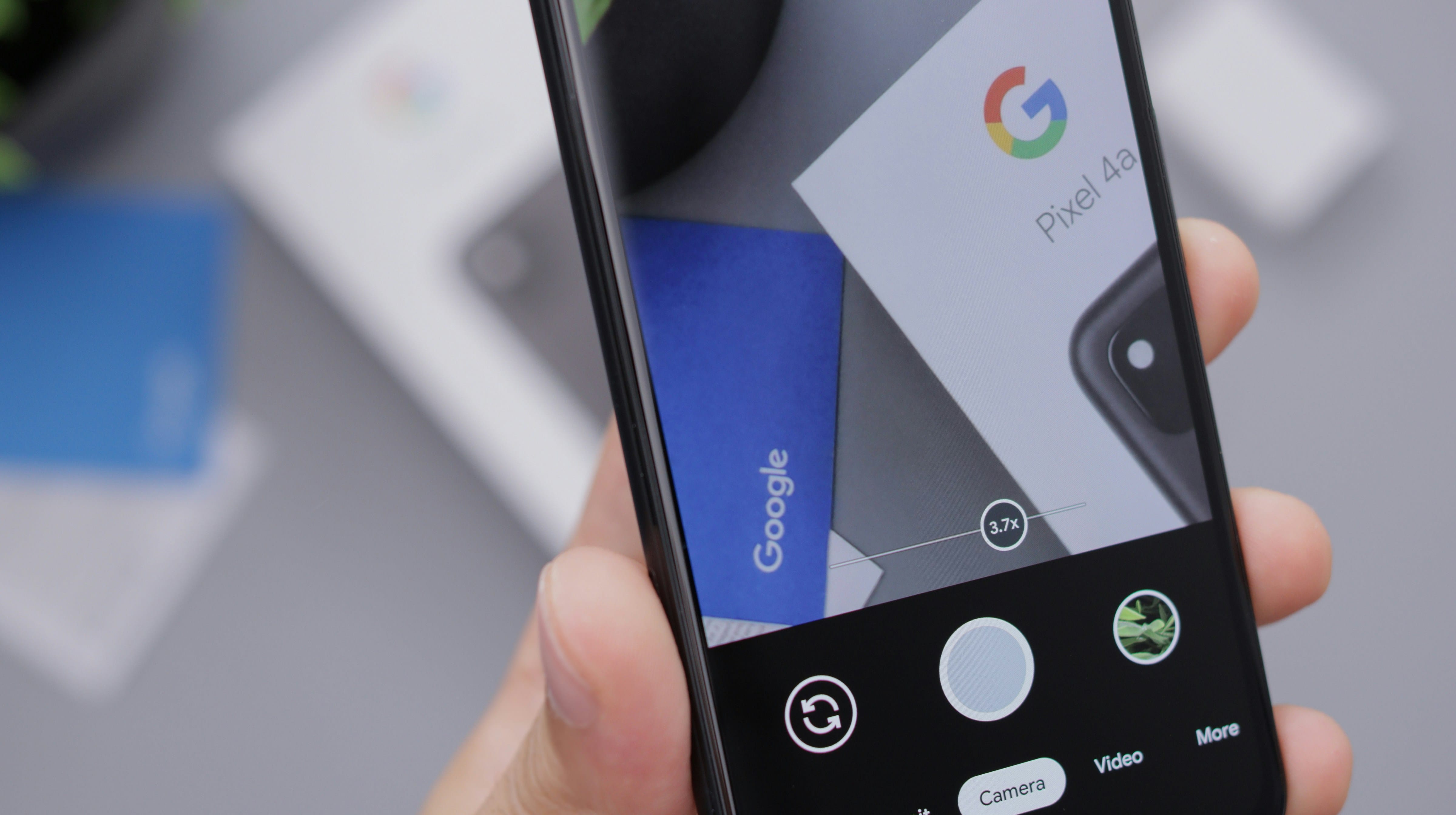
Photo by Daniel Romero on Unsplash
Android eSIM Compatibility Questions
How do I know if my Android phone supports eSIM?
Check your phone's settings under Mobile Network or SIM Management. Look for options like "Add eSIM," "Digital SIM," or "Add Carrier." You can also check your phone's specifications on the manufacturer's website or dial *#06# to see if an EID (eSIM identifier) appears alongside your IMEI numbers.
Can I use multiple eSIM profiles simultaneously on my Android device?
This depends on your specific device's Android eSIM compatibility. Most modern Android phones support multiple eSIM profiles, but can only have one or two active at the same time. You can easily switch between stored profiles in your settings without re-downloading them.
Will using an eSIM affect my home carrier service?
No, if your device supports dual SIM functionality (physical + eSIM or dual eSIM), you can maintain your home service while using a travel eSIM. You can configure which SIM handles calls, texts, and data independently.
Are there any countries where Android eSIM compatibility doesn't work?
eSIM technology works in most countries with modern mobile infrastructure. However, some countries have regulatory restrictions, and not all local carriers support eSIM roaming agreements. Always check with your eSIM provider about coverage in your specific destinations.
Is eSIM more expensive than buying local SIM cards?
Costs vary by destination and usage needs. eSIM plans are often competitively priced and eliminate the hassle of finding local stores. For short trips or multiple countries, eSIMs typically offer better value when you factor in convenience and time savings. However, it’s good to know that most eSIMs are data-only, so you won’t be able to use SMS messaging or place calls. With Jetpac, you can also place outgoing calls with the Jetpac Voice feature for 5 minutes with just USD 1.99.

Photo by Lital Levy on Unsplash
Get Connected Instantly with Jetpac eSIM for Your Next Adventure
Ready to experience the freedom that comes with seamless Android eSIM compatibility? Don't let connectivity concerns hold back your travel dreams or leave you scrambling for Wi-Fi in unfamiliar destinations.
Jetpac eSIM offers comprehensive coverage across 200+ destinations, with plans ranging from single countries to Global eSIMs. Forget the headaches of international connectivity, and hello to seamless travel! Our data plans are all about simplifying things so you can focus on creating memories, not managing your phone.
Whether you're planning a weekend city break or a month-long multi-country expedition, Jetpac eSIM's flexible plans scale with your adventures. Purchase and activate your eSIM before you travel, arrive at your destination with instant connectivity, and enjoy local data rates without the local hassles. Plus, you’ll get free airport lounge access in case of flight delays with every eSIM. For those who bought packs that are worth 3 GB and above, enjoy free WhatsApp chat and Google Maps, even after you run out.
Your next adventure is calling – make sure you're ready to answer with Jetpac eSIM.