Can I use eSIM with a Physical SIM Card Together?
Can you use eSIM with a regular SIM? Learn how Dual SIM works, the difference between eSIM and SIM, setup steps, and the best eSIM for travel to avoid roaming.
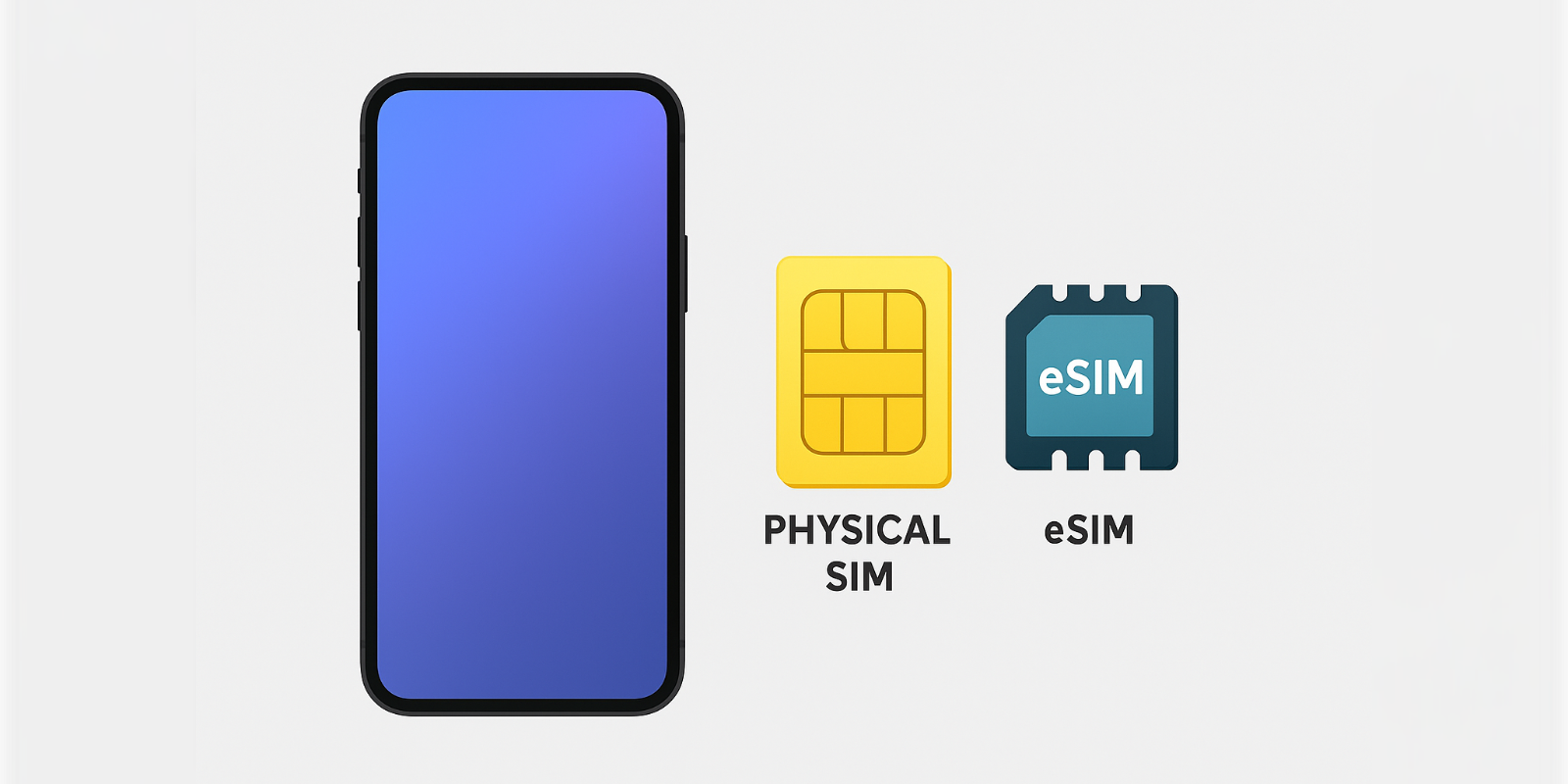
Many smartphone users wonder: can you use eSIM with a regular SIM at the same time? The answer is yes, most modern phones support Dual SIM setups that let you keep your physical SIM card active while using an eSIM for data. This blog explains the difference between eSIM and SIM, how Dual SIM works, and the benefits of combining both. We cover how to switch a physical SIM to an eSIM, common issues when using two lines, and why pairing a physical SIM with an eSIM for iPhone is perfect for travel. With Jetpac, you can install the best eSIM for travel while keeping your home SIM for calls. Jetpac’s international eSIM plans offer coverage in 200+ destinations, upfront pricing, automatic network switching, and no bill shocks, helping you avoid international roaming charges and stay connected anywhere.
When we travel, we think of all the essentials: passport, wallet, charger, maybe even a neck pillow. But one thing that matters just as much is connectivity. Most of us rely on our mobile devices not just for calls, but also for maps, ride-hailing apps, tickets, and constant internet access. The problem is, using your primary SIM card abroad often leads to high international roaming charges.
What many people don’t realize, especially those who aren’t very tech-savvy, is that you don’t have to choose between staying connected and overpaying. Today’s smartphones let you keep your physical SIM for calls while adding an eSIM for affordable data abroad. In this blog, we’ll explain exactly how you can use eSIM with a regular SIM, why it’s useful, and how it helps you avoid roaming shocks with options like Jetpac’s best eSIM for travel.
Can You Use eSIM With a Regular SIM at the Same Time?
Yes, you can. Most modern devices, including iPhones, Google Pixels, and Samsung flagships, allow you to run an eSIM alongside a physical SIM card. This setup is called Dual SIM, and it lets you keep two lines active at once.
For example, you might keep your home SIM card for calls and texts, while using an international eSIM plan for affordable data abroad. So when someone asks, Can you use eSIM with a regular SIM? the answer is yes, and it’s one of the best ways to stay connected while traveling.
Differences Between eSIMs and Physical SIM Cards
Understanding the difference between eSIM and SIM helps explain why people use them together.
Physical SIM: A small, removable chip that stores your carrier’s information. It’s reliable and widely supported, but requires manual swapping if you change carriers or travel abroad.
eSIM: A digital version built into your phone’s hardware. You can download carrier profiles directly, making it easier to switch providers or add international eSIM plans without visiting a store.
When deciding whether you can use eSIM with a regular SIM, the main difference is flexibility: eSIMs can be added instantly, while SIM cards are tied to a physical card.
Understanding How Dual SIM Works With eSIM
Dual SIM technology means your phone can operate two lines simultaneously, one on the physical SIM and one on the eSIM.
For instance, if you’re using an eSIM for iPhone, you can configure it for data while your physical SIM handles calls and SMS. Knowing how to use an eSIM in this setup gives you the flexibility to separate personal and work numbers, or to use one line for local coverage and another for roaming.
This feature is particularly valuable for travelers who want to avoid roaming charges by using a prepaid eSIM abroad while keeping their home number active.
What are the Benefits of Using an eSIM and a Regular SIM Together?
There are several advantages when you can use an eSIM with a regular SIM:
Cost savings: Use your home SIM for calls and an eSIM for data to minimize international roaming charges.
Seamless connectivity: Stay reachable on your home number while enjoying fast local data with an international eSIM plan.
Flexibility: Switch between carriers easily if one network is weak.
Convenience: With the best eSIM for travel, you can activate data instantly without visiting a SIM vendor.
This combination is ideal for anyone who travels frequently or wants to manage both personal and work lines on a single device.
How Jetpac eSIM Works Alongside Your Regular SIM Card?
One of the biggest advantages of Jetpac is how easily it integrates with your existing SIM card. Yes, you can use eSIM with a regular SIM at the same time, and Jetpac makes the setup seamless. This means you don’t have to give up your primary number while staying connected abroad.
Here’s what that looks like in practice:
Affordable global data: Jetpac’s best eSIM for travel gives you upfront pricing with no bill shocks, working across 200+ destinations.
Keep your number active: Your physical SIM stays on for calls and SMS, so family, friends, or colleagues can still reach you.
Reliable connections: Jetpac uses international eSIM plans with automatic network switching, so your phone always connects to the strongest local signal.
Free essentials even after data runs out: Apps like WhatsApp, Google Maps, and Uber remain accessible, helping you navigate and communicate without interruptions.
Peace of mind: By assigning data to your Jetpac eSIM and disabling roaming on your physical SIM, you can avoid roaming charges completely.
So if you’ve been wondering, can you use eSIM with a regular SIM without roaming surprises? Jetpac proves you can, combining flexibility, savings, and reliable coverage wherever you go.
7 Potential Drawbacks of Using eSIM and SIM Together
Using both eSIM and a physical SIM is useful, but it’s not without challenges. Here are the main drawbacks to keep in mind:
Battery drain: Two active lines use more power. You may notice shorter battery life.
Setup complexity: You’ll need to choose which SIM handles calls, texts, and data. Some apps may tie themselves to one line.
Carrier limits: Not all carriers support full Dual SIM features. For example, 5G or Wi-Fi calling might only work on one line.
Risk of roaming charges: If you leave roaming on for your physical SIM, background data can trigger unexpected international roaming charges.
One data line at a time: Most phones let only one SIM provide mobile data. If your device switches lines, you could incur costs or slowdowns.
Call conflicts: Most phones are dual-standby, not dual-active. If you’re on a call on one line, the other line may go to voicemail.
Transferring eSIMs: Unlike a physical SIM, you can’t just move an eSIM card. If you switch phones, you’ll usually need a new QR code from your carrier.
Despite these points, the advantages, especially the ability to avoid roaming charges by using an international eSIM plan while keeping your home number, usually outweigh the drawbacks.
Which Phones Allow Both eSIM and Regular SIM?
Many modern devices support both. Popular options include:
- iPhones: From iPhone XR/XS onwards, all models support Dual SIM with eSIM (including iPhone 14 and 15 series).
Samsung Galaxy: Models from the S20 series onwards, plus Note20, Z Fold, and Z Flip.
Google Pixel: Pixel 3 and newer support eSIM alongside a SIM.
Other brands: Motorola Edge, Oppo, and select Xiaomi devices.
So yes, you can use eSIM with a regular SIM on almost every flagship phone today.
Steps to Activate eSIM While Keeping Your Physical SIM
Here’s how to switch physical SIM to an eSIM while keeping both active:
Check compatibility: Look in Settings > About; check for an EID number to confirm eSIM support.
Get your plan: Purchase from a provider like Jetpac with international eSIM plans.
Scan the QR code: Provided by your carrier for eSIM setup.
Label your lines: Assign one as “Personal” and the other as “Travel Data.”
Set defaults: Calls and SMS on the SIM, data on the eSIM.
Learning how to use an eSIM this way gives you maximum flexibility without losing access to your original SIM.
Handling Calls, Messages, and Data on Dual SIM Setups
When using both SIM types:
Calls and SMS: You can assign which SIM handles them, or let your phone prompt you each time.
Data: Usually comes from the eSIM if you set it that way, especially if it’s an international eSIM plan.
Fallback: If eSIM data fails, your device may switch to the physical SIM, but beware of potential international roaming charges.
This makes careful configuration essential when you can use eSIM with a regular SIM.
Fixing 5 Common Issues When You Use eSIM and SIM Together
Using both SIM types is convenient, but small issues can pop up. Here’s how to fix the most common ones:
eSIM not activating: Update your phone, check if it supports eSIM, and rescan the QR code.
Wrong defaults: Go to settings and assign which SIM handles calls, SMS, and data. Label each line (e.g., “Home” and “Travel Data”).
Unexpected roaming charges: Turn off roaming on your physical SIM. Use your international eSIM plan for data to avoid roaming charges.
Data switching: Only one SIM can provide data at a time. Lock data to your eSIM, especially if it’s your best eSIM for travel option.
Messaging apps on the wrong number: Check iMessage, FaceTime, or WhatsApp settings to make sure they’re linked to the right line.
Most problems are solved once you know how to switch a physical SIM to eSIM and set clear defaults for each line.
FAQs
How to Switch Between eSIM and SIM?
In your phone’s Cellular/Mobile settings, you can choose which SIM handles calls, SMS, or data.
Do I need to remove my SIM card before using eSIM?
No. You can use both simultaneously, that’s the advantage of Dual SIM.
Can I use data on both SIMs at the same time?
Generally, only one SIM provides mobile data at a time.
How many eSIM profiles can I store on my device?
iPhones can store 5–20 eSIM profiles depending on the model, though only one or two can be active at once.
Does an eSIM drain my battery faster?
Not significantly. However, running two active lines (eSIM + SIM) may slightly increase battery use.
Why is eSIM not popular?
Adoption is growing, but not all carriers fully support eSIM yet.
Is eSIM better than a physical SIM?
Each has pros and cons. eSIMs are flexible and perfect for travel, while SIMs are universal and easy to move. Using both together often gives you the best balance.