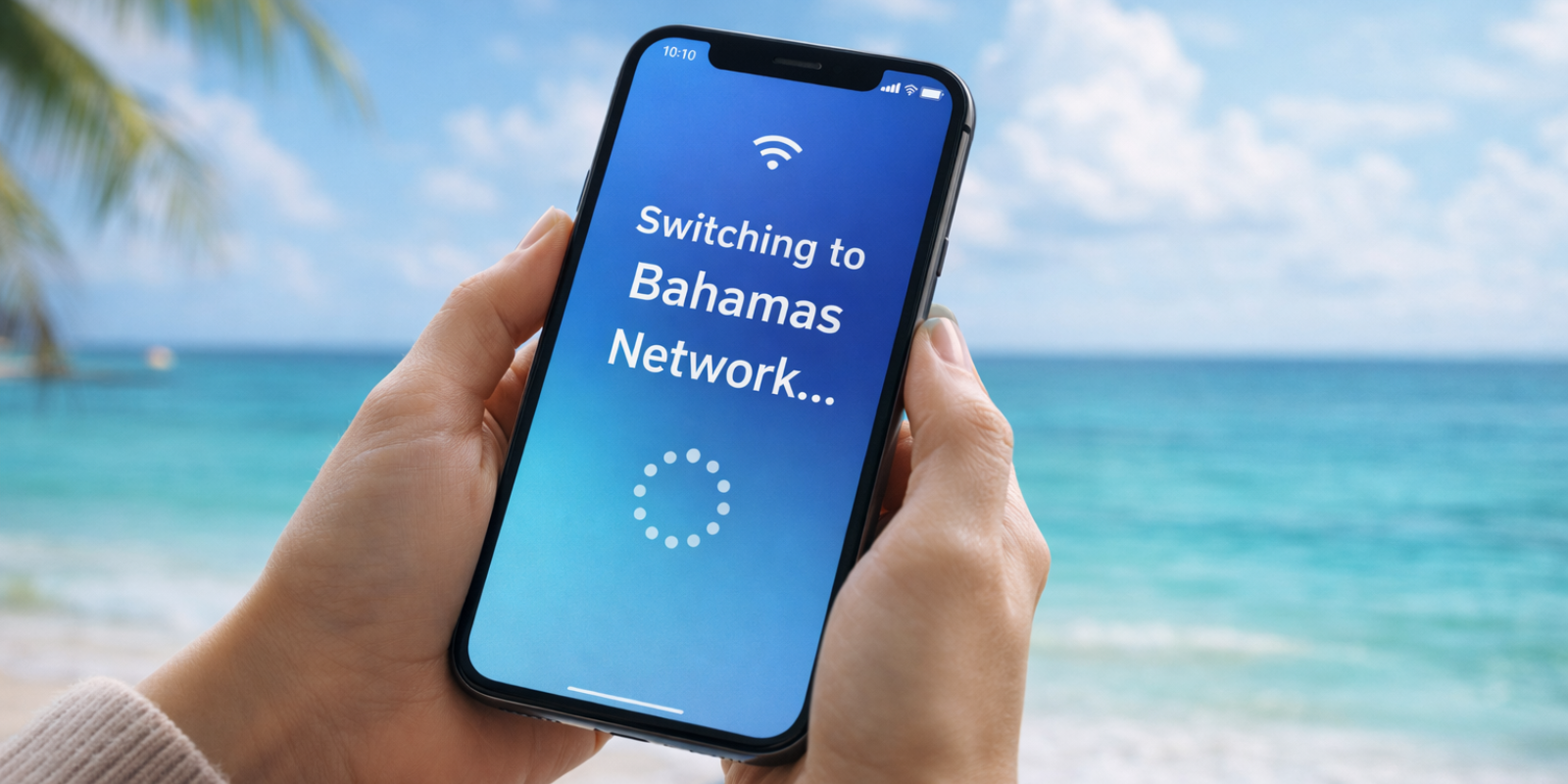
Does iPhone 14 have eSIM Support? Complete Compatibility Guide
Find out does iPhone 14 has eSIM support, how it works across models, and how to activate it. Simple steps, dual SIM details, and travel eSIM options.
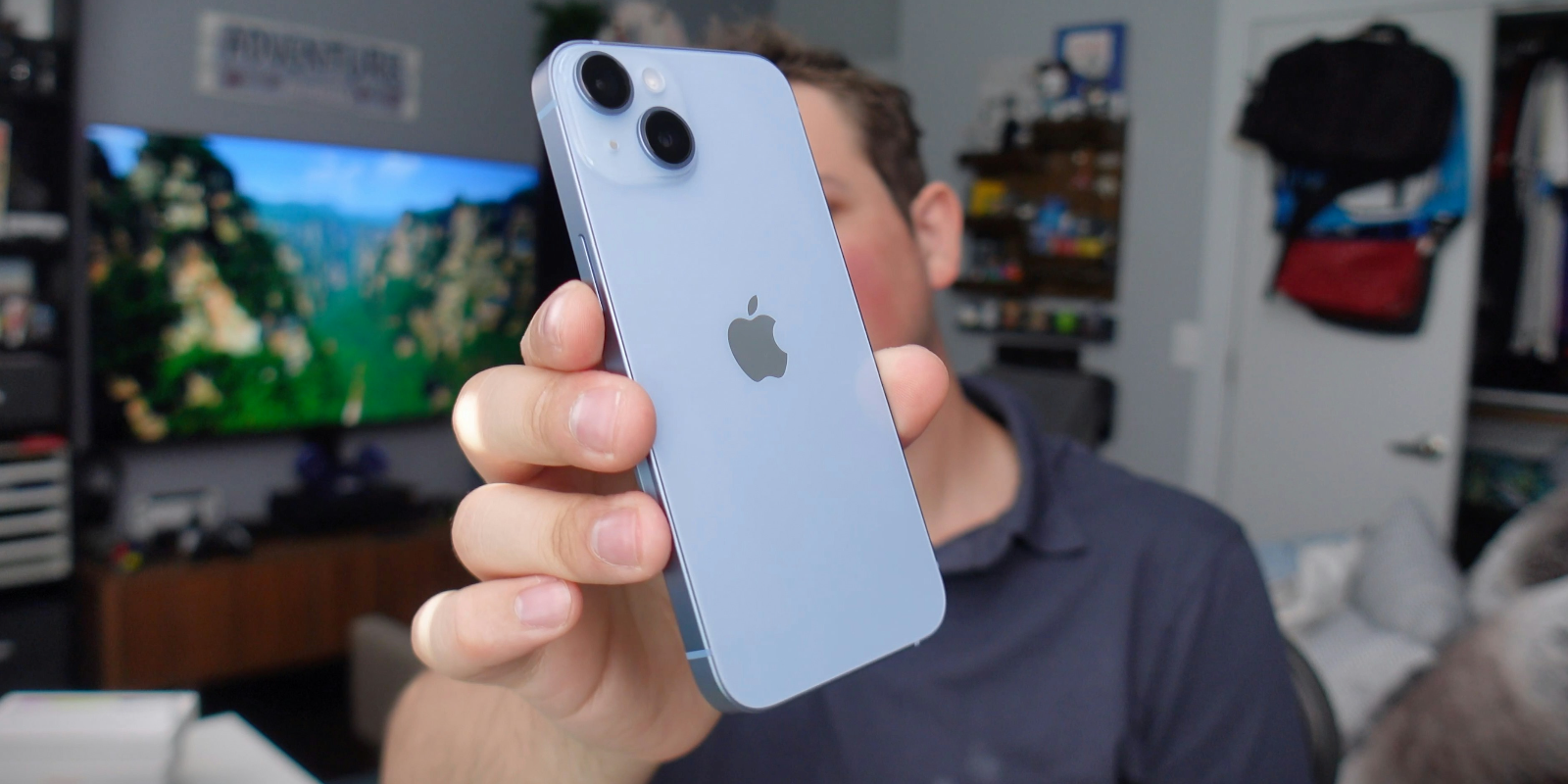
The iPhone 14 lineup supports eSIM across all models, with US versions moving to eSIM only. This makes it easy to switch carriers, add a second number, or stay connected while traveling. With quick activation and strong compatibility, the iPhone 14 offers a simple digital setup. Using Jetpac eSIM keeps your trip smooth from the moment you land.
iPhones today focus on simple digital setups that make it easier to manage calls, data, and travel. One of the biggest shifts is the move from physical SIM cards to eSIM technology. Because of this change, many users now ask whether does iPhone 14 has eSIM support and what this means for everyday use. The iPhone 14 lineup marks a major moment for Apple, especially in the United States, where physical SIM trays were removed entirely. Many travelers also search for the best eSIM for iPhone 14 when preparing for international trips.
Understanding how the iPhone 14 eSIM works helps you switch carriers smoothly, add a second number, or stay connected when traveling. If you travel often, using an international eSIM or a plan from the best eSIM for international travel, like Jetpac, can simplify your experience and help reduce roaming costs. These questions often lead users to ask, “Does iPhone 14 support eSIM across different regions?”
Below is a clear guide covering the key details.
Does the iPhone 14 have eSIM support?
Yes. Every model in the iPhone 14 lineup includes full eSIM support, which helps answer the common question, "Does iPhone 14 have eSIM across global markets?"
iPhone 14
iPhone 14 Plus
iPhone 14 Pro
iPhone 14 Pro Max
The main difference is regional. US versions are iPhone 14 eSIM-only models, while international versions keep a physical SIM tray along with eSIM capability. If you are checking whether the iPhone 14 eSIM is compatible with your regional carrier, it usually depends on your provider’s activation system.
Apple designed the series to create a cleaner setup without needing to swap SIM cards, especially when switching plans or traveling.
iPhone 14 eSIM compatibility by model
All four models support eSIM, but each works the same overall. The question of whether the iPhone 14 eSIM is compatible usually comes down to carrier support rather than hardware.
iPhone 14 - Supports eSIM on all versions with no SIM tray on US models.
iPhone 14 Plus - Offers full eSIM compatibility with the same regional differences.
iPhone 14 Pro - Works with multiple stored eSIM profiles and allows two active lines.
iPhone 14 Pro Max - Matches the Pro with support for stored profiles and dual active lines.
Most major carriers support eSIM, but some smaller networks may still have limited activation.
Is the iPhone 14 eSIM only?
This depends entirely on your region:
United States models: eSIM only
Most international models: physical SIM plus eSIM
The US shift to eSIM only helps simplify device design and promotes digital connectivity. Users switching from physical SIM phones often find the process easier than expected. Elsewhere, physical SIM trays remain for people who still rely on traditional cards.
If you want to confirm whether the iPhone 14 is eSIM only in your country, check Apple’s regional hardware details and your carrier’s support.
Can the iPhone 14 use two numbers at the same time?
Yes. This is one of the most useful features of the lineup. The iPhone 14 supports:
Two active lines at once
Up to eight stored eSIM profiles
Dual SIM through eSIM plus eSIM or physical SIM plus eSIM (outside the US)
Many people ask if they can have two numbers on an iPhone. On the iPhone 14, the answer is yes. You can keep one line for personal use and another for work, or keep your home number active while adding a travel plan through an international eSIM.
How many eSIMs can the iPhone 14 hold?
The iPhone 14 can store as many as eight eSIM profiles, but it can only activate two lines at one time. This gives frequent travelers more flexibility, letting them save multiple travel eSIMs and switch plans whenever needed.
Why your iPhone 14 may not show an eSIM option?
If the eSIM option does not appear, the most common reasons include:
The device is locked to a carrier
Your carrier has not enabled eSIM
Your iOS version needs an update
The model is from a region with limited eSIM support
The QR code has not been activated yet
Temporary network issues in your area
In most cases, updating your software or contacting your carrier resolves the issue. When users ask if the iPhone 14 is eSIM compatible, the answer is usually yes, but the carrier must enable it on their end.
How to activate an eSIM on the iPhone 14?
Activation is straightforward:
Open Settings
Tap Cellular
Choose Add eSIM
Scan your QR code or select Carrier Activation
Follow the prompts to finish setup
This applies to all models, including the iPhone 14 Pro and iPhone 14 Pro Max. International eSIM activation follows the same steps.
How to convert your physical SIM to eSIM on iPhone 14?
If your carrier supports conversion, follow these steps:
Open Settings
Tap Cellular
Select Convert to eSIM
Follow the on-screen instructions
If the option is missing, your carrier may require a QR code. Before converting, make sure your provider supports eSIM on the iPhone 14.
Best eSIM options for international travel on the iPhone 14
Travelers often prefer international eSIMs because they provide instant data when landing. This is especially useful for people asking, “Does iPhone 14 have eSIM on global trips?”
Jetpac is a simple and reliable option for iPhone 14 users.
Why Jetpac works well for travel?
Free access to WhatsApp chat, Google Maps, and Uber, even when data runs out
In-app voice calling in more than fifty countries, including calls to landlines and non-app numbers, with packs starting at $1.99 for 5 minutes
Unlimited hotspot sharing for laptops, tablets, or helping a travel companion
Transparent pricing with savings up to seventy percent compared to traditional roaming
One eSIM for 200+ destinations with instant activation
Automatic connection to the strongest available network
Fast 4G or 5G speeds where supported
A simple money-back guarantee for peace of mind
Jetpac helps travelers move smoothly across borders, especially those using eSIM for iPhone 14 setups or storing multiple profiles based on how many eSIMs can iPhone 14 can have.
FAQs
Does the iPhone 14 have eSIM support globally?
Yes. All iPhone 14 models support eSIM. Only US models remove the physical SIM tray.
Is the iPhone 14 eSIM only available in all countries?
No. Only the US versions are eSIM only. Most international models still include both physical SIM and eSIM.
How many eSIMs can the iPhone 14 have?
It can store up to eight eSIM profiles and use two active lines.
How do I activate an eSIM on my iPhone 14?
Go to Settings, tap Cellular, choose Add eSIM, then scan your QR code or use Carrier Activation.
Why is my eSIM not working on the iPhone 14?
Your carrier may not support eSIM, your device may be locked, or your iOS version may need an update.
Disclaimer
All device details, compatibility notes, and eSIM information in this guide are based on publicly available data. Actual service availability may vary by carrier and country. This content is for educational purposes only. Jetpac is not responsible for any changes in device features, network conditions, or carrier policies.