How Does eSIM Work? Everything You Need to Know
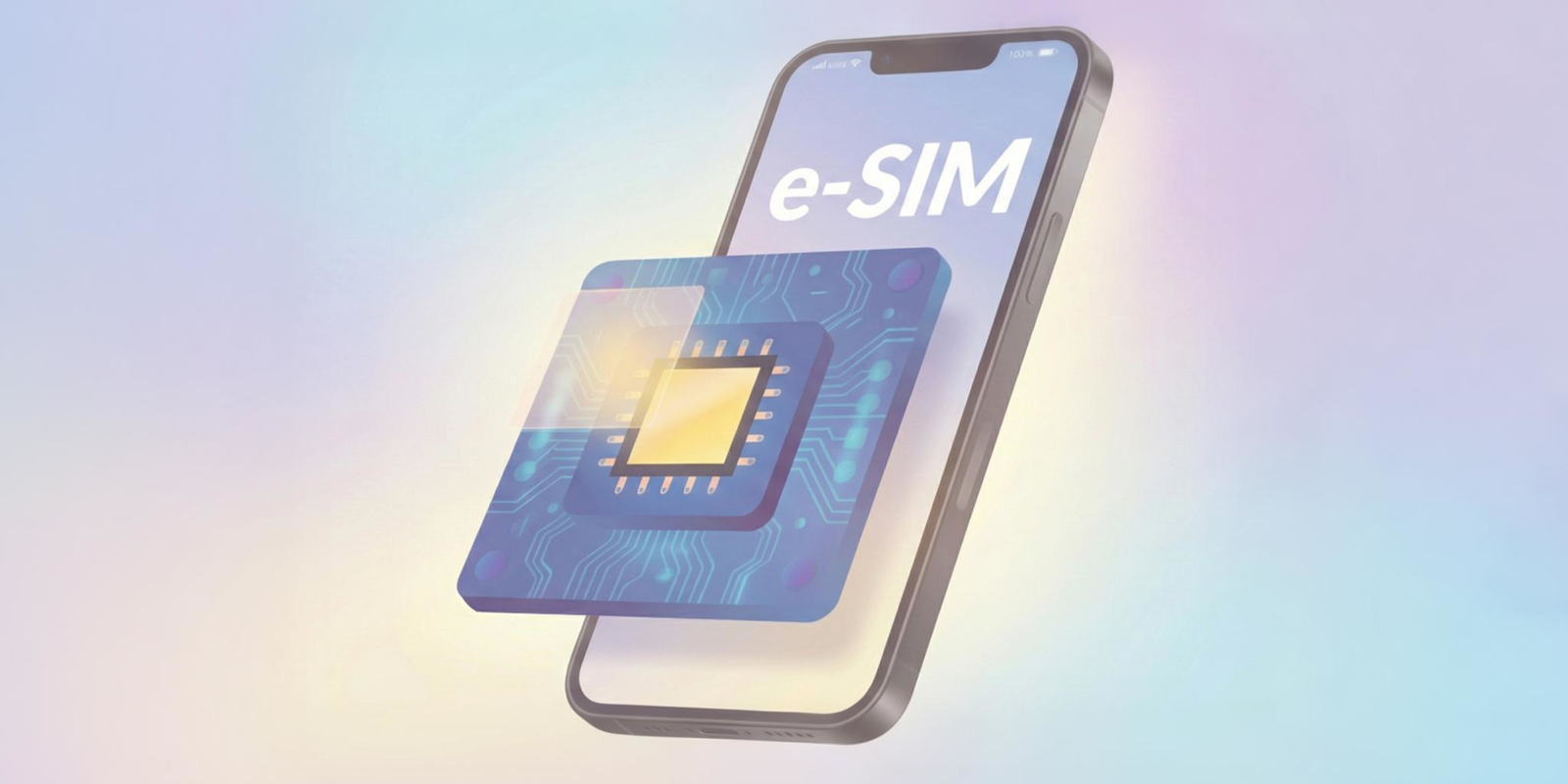
An eSIM works just like a physical SIM, only everything is handled digitally inside your phone. It makes switching plans simple, supports multiple profiles, and keeps travel easy with instant activation. Whether you use an iPhone or Android, eSIM gives you a cleaner, more flexible way to stay connected.
Most of us use our phones for everything today, from checking maps to booking rides to staying connected while we travel. And with newer devices moving away from physical SIM cards, more people now want to understand “how does eSIM work?” in the simplest possible way. The idea sounds technical at first, but in reality, an eSIM makes your phone easier to use, easier to set up, and far more flexible, whether you’re at home or abroad.
If you’ve ever wondered “how does an eSIM work?”, how it replaces the small plastic SIM card, or how different it feels on iPhone and Android, you’re not alone. Many users hear about eSIM when upgrading their phone or planning an international trip, especially when searching for the best way to stay connected without roaming fees.
This blog explains what an eSIM is and how it works. You’ll see how the technology fits into both iPhones and Android phones, how the activation process works, and why it’s quickly becoming the easiest choice for people who use an international eSIM like Jetpac when they travel.
Before we get into anything advanced, let’s start with the basics so you understand how does eSIMs work and why they matter today.
What is an eSIM, and how does eSIM work?
An eSIM (embedded SIM) is the digital version of your physical SIM card. Instead of inserting a small card into your phone, the eSIM is built directly into the device. It connects you to a mobile network for calls, texts, and data in the exact same way your old SIM card did, only everything is handled through software. There is no difference in how it works once the plan is active; the experience feels exactly the same on your phone.
This built-in setup makes your device easier to manage, especially when you switch carriers or use multiple plans. Understanding what is an eSIM and how does it works is helpful whether you use an iPhone or an Android device.
How does eSIM work?
The eSIM is powered by a tiny chip inside your phone called an eUICC (embedded Universal Integrated Circuit Card). This chip can hold more than one network profile at a time, which is why switching plans is simple.
Here is a clear look at how does eSIM work in everyday use:
Your carrier gives you a QR code or a digital activation link.
You scan it in your phone’s settings.
The network profile loads onto the eUICC chip.
Your phone connects to the carrier, just like it would with a physical SIM.
You can add new plans, remove old ones, and switch profiles with a few taps. This is especially useful for travel because you can use an international eSIM and connect the moment you land without buying a SIM at the airport. This explains how do eSIMs work for travel in the simplest way.
💡 Did you know?
You can easily convert your current physical SIM into an eSIM. It only takes a few steps in your settings, but for that, both your device (smartphone & tablet) and carrier must support this feature.
How does eSIM work on iPhone?
On an iPhone, the eSIM works the same way your physical SIM always did. Once the plan is activated, your phone connects to calls, texts, and mobile data with no difference in how it behaves. The only change is that everything is loaded digitally instead of inserting a card. This makes it easier to switch plans or add new ones without touching the SIM tray.
How to activate an eSIM on iPhone?
Setting up an eSIM on an iPhone is quick and works the same way across most recent models. Here is the simplest way to do it:
Open Settings on your iPhone.
Tap Mobile Service or Cellular.
Select Add eSIM or Add Mobile Plan.
Scan the QR code provided by your carrier, or choose the option to enter the details manually if you received an activation code.
Your iPhone will download the eSIM profile and show it in the list of available lines.
Turn the eSIM on, then choose whether it handles mobile data, calls, or messages.
You can label the eSIMs that you install if you want to keep things organized, especially when using more than one line.
iPhones also let you store multiple eSIM profiles (up to 8 eSIMs and more), which helps when you use different lines or travel often. You can keep your primary number active and switch your data to an international eSIM while you travel abroad. This is especially helpful for travelers who want to avoid roaming charges.
How does eSIM work on Android?
On Android phones, an eSIM works much like it does on iPhones. Once you activate the plan, your device connects to the carrier network for calls, texts, and data exactly the same as it would with a physical SIM. The main difference is how flexible Android can be, since features vary by brand and software version.
How to activate an eSIM on Android?
Here is the easiest way to set up an eSIM on any Android device:
Open Settings on your phone.
Tap Network and Internet or Connections, depending on your device.
Select SIMs, SIM Manager, or Add SIM.
Choose Add mobile plan or Download a new eSIM.
Scan the QR code given by your carrier, or enter the activation details manually if you were provided a code or SM DP address.
Your phone will download the eSIM profile and add it to your list of SIMs.
Once installed, turn the eSIM on and choose whether you want it to handle mobile data, calls, or texts.
Newer Android devices, especially those running Android 13 or newer, support more advanced eSIM features. Some models allow two active eSIMs at the same time, while others combine one eSIM with a physical SIM for dual SIM use. This gives users more flexibility with personal lines, work numbers, and travel plans. Once active, the eSIM works the same way a physical SIM would, just without the need to swap cards.
⚡ Quick tip
Keep your phone connected to WiFi or another mobile data source during eSIM activation. Some carriers also require data or roaming to be switched on for the setup to complete successfully.
How does eSIM connect you to a mobile network?
Once an eSIM is activated on your phone, it connects to a mobile network the same way a physical SIM would. Your device stores the plan on its built-in chip, and the carrier recognizes it just like a normal SIM card. From that moment on, your phone handles calls, texts, and mobile data automatically in the background.
There is no special process you need to follow. The connection works the moment the eSIM profile is installed. Whether you are using your regular carrier at home or an international eSIM while traveling, the experience feels exactly the same: you turn on your phone, and the network is ready.
How do eSIMs work for travel?
Travel is one of the BIGGEST reasons people switch to eSIM.
When we travel, we want our phones to stay connected from the moment we leave home until we return. The traditional way has always been the same. You either turn on roaming with your current carrier or you wait to buy a local SIM card after landing. In both situations, you lose connectivity for a while, and sometimes the experience becomes stressful.
| Roaming can feel convenient, but the cost can be shocking. There have been real cases where travelers received massive bills just for using their phones overseas. One example reported a man from the United States returning from Europe with a bill of more than $143,000 after using 9.5 gigabytes of data without an international plan. A small amount of everyday usage turned into a life-changing bill simply because the device was not set up for world travel. |
On the other hand, buying a local SIM can also feel tiring when you have just landed. Long queues, passports, paperwork, language barriers, and high prices for short-term plans make the process slow. Many travelers also do not want to swap SIM cards or risk misplacing their home SIM.
This is where an international eSIM changes everything. You install it before your trip or while on WiFi at the airport. Your phone connects instantly once you arrive. No roaming danger. No long lines. No confusing instructions. Just smooth travel.
To put things into perspective, imagine this.
The roaming bill for 9.5 gigabytes of data incurs $143,000 for one traveler. With Jetpac, a similar 10-gigabyte pack can cost $15.99. The difference is UNBELIEVABLE, but this is what Jetpac eSIM makes POSSIBLE today.
Why Jetpac works so well for travel?
Jetpac keeps the experience simple, steady, and affordable for travelers who want peace of mind.
✅ Essential apps like WhatsApp chat, Google Maps, Uber, and Grab keep working even if your data ends.
✅ In-app calling works in 50+ countries, so you can call any landline or non-WhatsApp number without any physical SIM. Voice packs start at $1.99 for 5 minutes.
✅ Hotspot sharing is unlimited, letting you connect your laptop or another phone without any data restrictions.
✅ Pricing is prepaid and transparent, around 70% cheaper than roaming charges with no bill shock.
✅ One eSIM works in more than 200+ destinations, which is ideal for multi-country trips.
✅ Your phone automatically connects to the strongest network available in each location.
✅ Fast 4G and 5G speeds keep navigation and essential apps running smoothly.
✅ 100% money-back guarantee adds extra comfort for the users.
✅ Support is available 24/7 through WhatsApp and email whenever you need help.
These features make Jetpac one of the best eSIMs for international travel options for anyone who wants to stay connected without the stress of roaming bills or airport SIM card hassles.
eSIM vs physical SIM
Both eSIM and physical SIM cards let your phone connect to a mobile network, but the experience of using them feels very different. A physical SIM is a small card you insert into your phone. An eSIM is built into the device and works through software instead of hardware. Once activated, both connect you to calls, texts, and mobile data the same way.
Here is a simple look at how they compare.
Feature |
eSIM |
Physical SIM |
|
Form |
Built into the device; no card to insert |
Small removable plastic card |
|
Activation |
Digital setup through QR code or carrier app |
Requires inserting the card manually |
|
Compatibility |
Only newer devices support eSIM |
Works on almost all phones |
|
Flexibility |
Supports multiple profiles and quick switching |
Easy to move between devices |
|
Travel use |
Ideal for instant international eSIM activation when you land |
Must buy a new SIM at the airport or store |
|
Security |
Harder to lose or steal; can be deactivated remotely |
Can be lost, removed, or swapped |
|
Battery use |
Slightly more efficient with no card reader |
Uses a little more power due to the hardware |
|
Network speed |
Same speed as physical SIM |
Same speed as eSIM |
|
SIM storage |
Several plans are saved in one phone |
Only one physical card at a time |
|
Future support |
Growing worldwide as carriers shift to digital |
Slowly being phased out |
For most people, the comfort of managing everything digitally is the main reason eSIM feels easier. No tray tools, no card swaps, and no waiting in lines abroad.
Understanding how does eSIM works makes it clear why more phones now rely on it completely.
FAQs
What is an eSIM and how does it work?
An eSIM is a digital SIM built into your phone. It stores your mobile plan on a small internal chip instead of using a physical card. Once activated, it connects to calls, texts, and data just like a regular SIM, but everything is handled through software.
How does eSIM work on iPhone?
On an iPhone, the eSIM is activated through your settings by scanning a QR code or downloading a plan. Once active, it works exactly like your physical SIM. You can keep multiple profiles saved and switch between them easily.
How does eSIM work on Android?
Most Android phones activate eSIM through the Network settings. You add a mobile plan, scan a QR code, and the phone installs the profile on its built-in chip. Newer Android models can even run two active eSIMs at the same time.
How does an eSIM card work?
Even though there is no physical card, the eSIM stores the same network information digitally. Your carrier sends a profile to your device, and the phone loads it onto the eSIM chip to connect you to the network.
How do eSIMs work for travel?
Travel eSIMs let you stay online the moment you land. You install the plan before your trip or while on WiFi at the airport. There are no roaming fees, no long queues for local SIM cards, and no swapping SIM trays. This makes using an international eSIM the simplest travel option.
Can an eSIM be used for calls and texts?
Yes. Once active, an eSIM works exactly like a physical SIM. You can make calls, send texts, and use mobile data as usual.
Does eSIM affect battery or phone performance?
No. An eSIM works in the background, just like a physical SIM. It has no noticeable effect on battery life or performance.
Can I move my eSIM to another phone?
Some carriers allow transferring an eSIM to another device. Others require issuing a new QR code. It depends on your carrier’s policy.
Disclaimer
This blog is based on publicly available information about eSIM technology, device behavior, and carrier features. Actual compatibility or performance may vary by model, region, and network. This content is for educational purposes only. Jetpac is not responsible for changes in device features, carrier restrictions, or network availability.