
How Much Data Does FaceTime Use Per Hour? How to Save it
Discover FaceTime data usage per hour, tips to save data, and stay connected abroad with Jetpac international eSIM for stress-free travel.
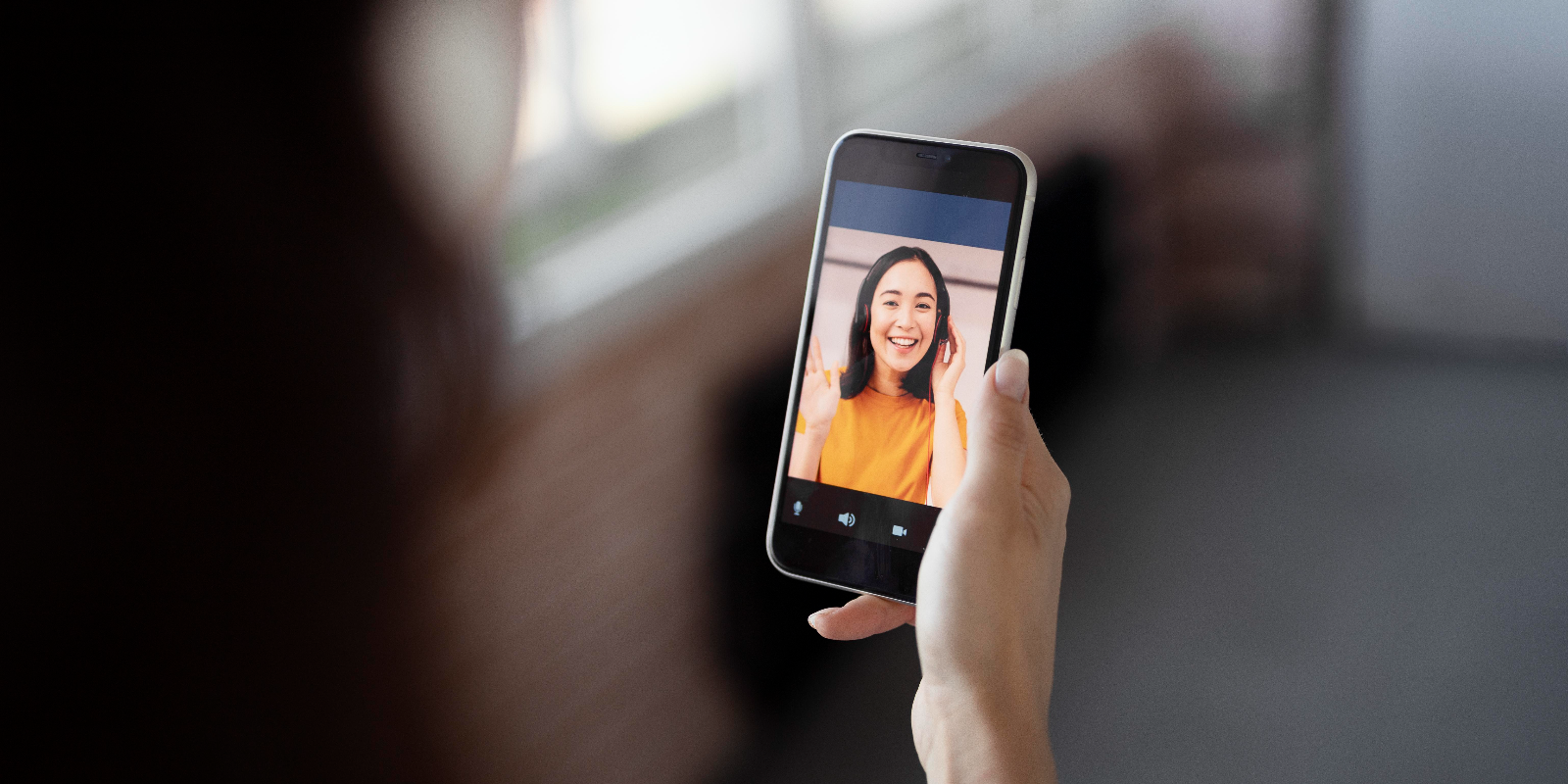
FaceTime is one of the easiest ways to stay connected with family, friends, or colleagues, but the big question many ask is: Does FaceTime use data, and how much? The short answer is yes. On average, FaceTime video calls consume around 180–360 MB per hour, while audio calls use about 60–90 MB. This blog explains what affects FaceTime data usage, how to check it on your devices, and smart ways to save data without cutting calls short. We’ll also compare FaceTime to other apps and show you why an international eSIM, especially with Jetpac, is the smartest way to stay connected abroad. Keep reading to learn how to enjoy seamless FaceTime calls without bill shocks.
I always use FaceTime to connect with my loved ones, especially for long video calls with my family. Last week, while traveling abroad, I had one of those marathon FaceTime chats. We laughed, shared updates, and it almost felt like I was right there with them. But soon after, I got a roaming notification: “data exhausted.”
When I returned home, I opened my bill, and it was a shocker. That’s when I started wondering: Does FaceTime use data? If yes, how much data does FaceTime use for a typical video or audio call? And more importantly, how much data does it use to FaceTime your family for an hour or more?
If you’ve ever faced a similar situation, or you’re simply curious about FaceTime data usage per hour, this blog is for you. We’ll break down exactly what FaceTime data is, whether FaceTime audio uses data, and how much you can expect to spend on data depending on the length and type of your calls. By the end, you’ll know how much data FaceTime uses and how to manage it smartly while staying connected with your favorite people.
How Much Data Does FaceTime Use: Video vs Audio (Per Hour and Per Minute)
The answer to ‘How much data does FaceTime use?’ really depends on whether you’re making a video call or sticking to audio only. Knowing the difference can help you avoid dreaded bill shock, especially if you’re on the go or relying on an eSIM while traveling internationally. Let's understand this with data:
FaceTime Data Usage: Video vs Audio
Call Type |
Per Minute Data |
FaceTime Data Usage Per Hour |
Practical Insight |
|
FaceTime Video Call |
~3–6 MB |
~180–360 MB |
High-quality video eats data fast. A 2-hour video could use nearly 1 GB; check your international eSIM plans if traveling. |
|
FaceTime Audio Call |
~1–1.5 MB |
~60–90 MB |
Much lighter. Yes, FaceTime audio uses data, but it’s more manageable, ideal if you’re on an eSIM for international travel. |
In short, does FaceTime use data? Absolutely. But knowing how much data FaceTime uses for video vs audio helps you plan smarter, whether you’re on home Wi-Fi or managing an international eSIM while traveling.
What Factors Impact FaceTime Data Usage
FaceTime data usage per hour isn’t fixed; it changes depending on several conditions:
Video quality: Higher resolution video = more data.
Network strength: A strong signal allows clearer video, while weaker connections lower the quality (and sometimes reduce data).
Call duration: The longer you talk, the more data accumulates, important to track on an international eSIM plan.
Device type: Newer iPhones and iPads transmit sharper video, which uses more data.
Background activity: Apps running in the background can affect how much data it uses to FaceTime by altering video stability.
So, does FaceTime use data? Yes, and these factors explain why two calls of the same length might consume very different amounts.
FaceTime Over Cellular vs. Wi-Fi: How Much Data Each Uses
When people ask, “Does FaceTime use data?” the answer depends on how you connect. The technology is the same, but the source of data makes all the difference.
FaceTime Data: Wi-Fi vs Cellular
Connection Type |
Does FaceTime Use Data? |
Data Source |
Practical Impact |
|
Wi-Fi |
No (doesn’t count against mobile) |
Home/Hotspot Wi-Fi |
Unlimited usage if Wi-Fi is stable; ideal for long family or work calls. |
|
Cellular (4G/5G) |
Yes, FaceTime data usage per hour is the same as Wi-Fi |
Mobile plan allowance / international eSIM |
Can quickly eat into your data, watch out for roaming costs, or check your international eSIM plans. |
Pro Tip: Always switch to Wi-Fi before long FaceTime calls. If you’re traveling, pair Wi-Fi with an eSIM for international travel so you stay connected without bill shock.
How to Check FaceTime Data Usage on Your Devices
Apple makes it easy to see exactly how much data FaceTime uses and what each call consumes. Whether it’s a quick audio chat or a long video catch-up while traveling on an international eSIM, here’s how to track it.
On iPhone or iPad
Open the Phone or FaceTime app.
Tap a recent call.
Look under the contact’s name, you’ll see the FaceTime data usage per hour (or per call) right there.
For an overview of totals, go to Settings > Cellular > FaceTime. This helps you keep an eye on how much data it uses to FaceTime across all calls.
On Mac
Open Activity Monitor.
Select the Network Tab.
During or after a call, you can see real-time or recorded FaceTime data usage.
So next time you’re worried about roaming or your international eSIM plans, just check the numbers. It’s the quickest way to answer: Does FaceTime use data, and how much?
6 Practical Tips to Save Data While FaceTiming
With a few smart tweaks, you can enjoy your calls without worrying about running out of data or maxing out your international eSIM plans. Here are 6 practical tips:
1. Connect to Wi-Fi whenever possible
The easiest way to save mobile data. Remember, does FaceTime use data? Yes, but not if you’re on Wi-Fi.
2. Switch to FaceTime Audio
If video isn’t necessary, go audio-only. It’s much lighter, and while FaceTime audio does use data, it’s far less than video calls.
3. Keep calls shorter on mobile
Long chats add up quickly. Knowing your FaceTime data usage per hour helps you plan better, especially when relying on an eSIM for international travel.
4. Enable Low Data Mode in iPhone settings
This reduces background activity and lowers video quality slightly, saving data during each call.
5. Reset cellular statistics at the start of your billing cycle
This gives you a clear picture of how much data FaceTime uses month to month.
6. Turn off Background App Refresh
Stop other apps from quietly eating data while you’re mid-FaceTime.
Typical FaceTime Data Usage Per Hour
Wondering “how much data does FaceTime use per hour?” Here’s a simple breakdown. These numbers can vary slightly depending on network strength, device, and call quality, but they’re a reliable guide whether you’re on Wi-Fi, mobile, or an international eSIM.
FaceTime Data Usage Reference
Call Type |
FaceTime Data Usage Per Hour |
What It Means for You |
|
FaceTime Audio |
~60–90 MB |
Much lighter. Yes, FaceTime audio uses data, but far less than video, great when on limited or international eSIM plans. |
|
FaceTime Video |
~180–360 MB |
Heavier. This is how much data it uses to FaceTime with video. A two-hour family call could use nearly 1 GB, so plan ahead if traveling. |
Does FaceTime Use a Lot of Data Compared to Other Apps?
People often ask, “Does FaceTime use data, and is it more than other apps?” The answer: FaceTime sits right in the middle. It offers good quality without the massive data drain some other video platforms are known for.
Data Usage Comparison (Per Hour)
App / Platform |
Approximate Data Usage |
How It Stacks Up |
|
FaceTime Video |
~180–360 MB |
Moderate, this is the typical FaceTime data usage per hour. |
|
FaceTime Audio |
~60–90 MB |
Much lighter. Yes, FaceTime audio uses data, but far less than video. |
|
WhatsApp Video |
~250 MB |
Slightly higher than audio, but usually less than FaceTime video. |
|
Zoom |
~540 MB–1.6 GB |
Heavier, how much data it uses for FaceTime is far less than Zoom. |
|
Google Meet |
~1.2–2.5 GB |
Among the highest. FaceTime is much more efficient here. |
In short, FaceTime balances quality with efficiency. What is FaceTime data? It’s essentially the bandwidth used for your calls. While not the lightest option (WhatsApp wins there), it’s still far easier to manage on your mobile plan or international eSIM compared to apps like Zoom or Google Meet.
Stay Connected the Smart Way: Why Jetpac is Perfect for FaceTime Abroad
If you’re worried about how much data FaceTime uses when traveling, the real solution isn’t cutting calls short; it’s choosing the right connectivity partner. That’s where Jetpac comes in. Built for frequent travelers, Jetpac takes the hassle (and cost shocks) out of staying connected internationally.
Why Jetpac Stands Out for Travelers
1 eSIM, 200+ destinations: Set it up once and simply top up before your next trip. No swapping SIM cards.
Always-on with multiple networks: Jetpac’s exclusive connectivity keeps you online 24/7 by switching to the best available signal.
No bill shocks: 100% upfront payment, what you see is what you pay. No hidden charges.
Hotspot included: Share data with friends and family, even on unlimited packs, only with Jetpac.
Free essentials: Even if your data runs out, you still get Uber, WhatsApp chat, and Google Maps access. Perfect for navigation and staying in touch.
24/7 premium support: No more time zone headaches. Contact Jetpac anytime via WhatsApp or email.
Voice calls & 5G: Outgoing calls to 50+ countries from just $1.99/5 min, plus blazing-fast 5G in 50+ destinations.
One More Extra Travel Perks Just for YOU!
Free airport lounge access: If your flight is delayed by more than an hour, Jetpac gets you and a companion into 1,300+ lounges worldwide (with pre-registration).
FAQs on FaceTime Data Usage
What is FaceTime data?
FaceTime data is simply the internet bandwidth used during a FaceTime call. It can come from Wi-Fi (which doesn’t count against your mobile plan) or your cellular data plan.
Does FaceTime audio use data?
Yes. Even audio calls rely on internet bandwidth. On average, FaceTime audio uses data in the range of 60–90 MB per hour, much lighter than video calls.
How much data does it use for FaceTime?
It depends on the call type. Video calls typically use around 180–360 MB per hour, while audio calls consume about 60–90 MB per hour. So, if you’re asking how much data FaceTime uses, the answer varies by call style.
Does FaceTime use data when on Wi-Fi?
Yes, technically FaceTime always uses data, but when you’re connected to Wi-Fi, it won’t touch your mobile allowance.
Are international eSIM plans better for FaceTime abroad?
Absolutely. An eSIM for international travel or flexible international eSIM plans are often much cheaper than roaming. They’re ideal if you make frequent FaceTime calls while traveling, since you’ll know exactly how much data FaceTime uses per hour without worrying about surprise charges.


