
How Much Data Does Gaming Use on Mobile, PC & Console
Are you an avid gamer concerned about how much data you’re using? Dive into this blog to discover how much data you could consume while gaming on mobile, PC, and console

Are you an avid gamer concerned about how much data you’re using? Dive into this blog to discover how much data you could consume while gaming on mobile, PC, and console.
How much data does gaming use? The short answer: not as much as you might think. Typical online gameplay consumes around 3 - 15 MB per hour on mobile, 40 -150 MB per hour on PC, and 40 - 200 MB per hour on consoles. But that’s only part of the story. Cloud gaming can use drastically more, sometimes eating up gigabytes per hour.
Gaming data usage goes beyond just the live connection or the constant flow of information between your device and the game servers. A big part also comes from game downloads, patches, and DLCs, which can run into several gigabytes each. On top of that, voice chat and background services consume additional data while you play. And finally, there’s cloud gaming, the biggest data drain of all, since it streams your entire game like a high-definition video.
In this guide, let's discuss how much data does online gaming use. Whether you’re a gamer on a limited data plan, traveler tethering to mobile hotspots, or just looking to optimize your home bandwidth, this post is for you.

What Affects How Much Data Gaming Uses?
If you’ve ever wondered, “Does gaming use a lot of data?” The answer is: it depends. Several factors influence the amount of bandwidth your games consume, and understanding them can help, especially if you’re gaming on a hotspot or using a limited data plan.
Here are the key things to watch out for:
Game Type & Genre
Not all games consume data at the same rate. Fast-paced action titles, shooters, and MMOs tend to use more bandwidth compared to casual or puzzle games, which require far less constant server communication.
Graphics Quality & Resolution
The higher the graphics quality and resolution, the more data your game needs to send and receive. Playing in HD or 4K can noticeably increase usage compared to lower settings.
Voice Chat, Matchmaking & In-Game Features
Features like team chat, matchmaking lobbies, and other background services quietly add to your overall data consumption while you play.
Platform Differences (Mobile, PC, Console)
Gaming platforms process and transmit data differently. Playing on a hotspot may also impact your experience since mobile connections handle data differently than home Wi-Fi. So, does gaming use a lot of data? It generally depends on the platform and setup.
How Much Data Does Gaming Use Per Hour?
If you’re wondering how much data does gaming use, the answer depends on the platform and the type of game you’re playing. Here’s a quick breakdown:
Mobile Gaming Data Usage
Mobile games are often lighter on data compared to PC or console titles. Many casual games use very little bandwidth, while online multiplayer titles can push usage higher. In general, you can expect 10–100MB of data per hour.
PC Gaming Data Usage
Online PC games usually fall in the mid-range, averaging 40–150MB per hour. The actual number varies by genre. Fast-paced shooters and MMOs tend to consume more data than slower, less demanding games.
Console Gaming Data Usage
Consoles are similar to PCs when it comes to data usage. Most titles hover around the same 40 - 150MB per hour range, but certain AAA releases with complex graphics and constant server interaction can spike over 200MB per hour.
Data Usage by Popular Games
If you’re curious about how much data your favorite titles burn through, here’s a quick look at some of the most played games today:
Fortnite, Call of Duty & PUBG
Battle royale games are among the heavier data users because of their fast-paced, real-time action. So, how much data does Fortnite use? On average, you’re looking at 50–150MB per hour, similar to Call of Duty and PUBG. Expect the higher end of that range if you’re playing long matches with voice chat enabled.
Minecraft, Roblox & Casual Games
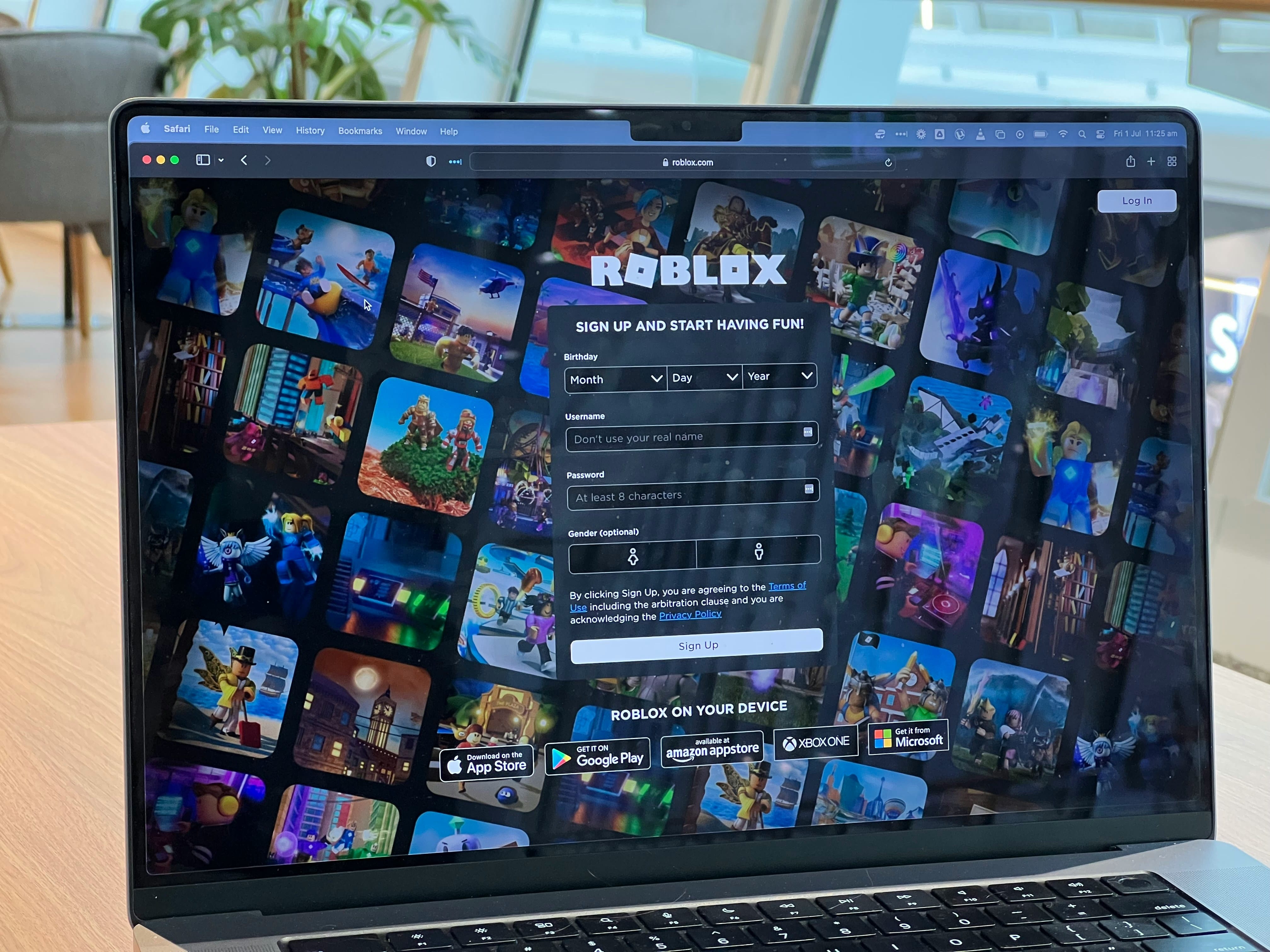
Sandbox and casual games are generally easier on your data plan. Minecraft averages around 40MB per hour. If you ask how much data does Roblox use, the answer to this varies quite a bit, anywhere from 100MB to 600MB per hour, depending on the game mode and graphics settings. Simple puzzles or casual games usually fall on the lower end of the scale.
Cross-Platform Differences
Don’t forget that the same game can use different amounts of data depending on the platform. For example, Fortnite on PC may consume more data than the mobile version, thanks to higher-resolution graphics and more detailed server communication.
Online Multiplayer vs Single-Player Gaming
One of the biggest factors in how much data does online gaming use is whether you’re playing solo or competing with others online.
Single-player or offline play uses little to no data once the game is installed on your device. After the initial download, you can keep playing without needing a constant internet connection, making this the most data-friendly way to game.
Online multiplayer sessions, on the other hand, are a different story. These games rely on real-time communication between your device and the server, which tracks player movements, voice chat, matchmaking, and in-game updates. That constant exchange of information can spike data usage, especially in fast-paced genres like shooters or battle royales.
The Impact of Downloads and Updates
When it comes to data consumption, downloads and updates often outweigh actual gameplay by a huge margin. A single game installation can range anywhere from 20GB to over 150GB, especially for AAA titles with high-resolution textures and expansive worlds. That’s more data than most people use in weeks of regular online play.
But it doesn’t stop there. Patches, updates, and DLCs can also be surprisingly heavy. Many popular games release frequent updates that run several gigabytes each, meaning your data usage for maintenance alone may surpass what you spend on gameplay.
For players already asking “how much data does cloud gaming use?” The answer is similar: while live gameplay itself may seem manageable, it’s the massive downloads and updates that often push you over your data cap.
For gamers with limited data plans or those relying on mobile hotspots using an eSIM for international travel, these background downloads can quickly drain monthly allowances.

Cloud Gaming vs Local Play
When it comes to data consumption, there’s a huge difference between cloud gaming and local play.
Cloud streaming data use is by far the heavier option. Services like Xbox Cloud Gaming, GeForce Now, or PlayStation Plus stream the entire game to your screen the same way Netflix streams movies. Because of this, they can consume anywhere from 4GB to 20GB per hour, depending on the resolution and quality settings. For players on limited data plans or mobile hotspots, that kind of usage can quickly drain monthly allowances.
By contrast, local gaming data use is significantly lower. Since your console, PC, or mobile device is doing the heavy lifting, the only data being transferred is gameplay information, including things like player movements, match updates, and chat functions. This usually averages 40MB to 150MB per hour on PC or console, and often even less on mobile. In other words, local play is far more data-friendly, while cloud gaming prioritizes convenience at the cost of bandwidth.
Monthly Data Usage Estimates
So, how much data does gaming use in a month? The answer depends on how often you play and what types of games you enjoy. While individual gaming sessions may not seem like they consume much, the hours add up quickly over weeks of play. Here’s a rough breakdown of what you can expect:
| Type of Gamer | Hours per Month | Estimated Monthly Data Usage | Notes |
| Light Gamers | 5 - 10 hrs | ~500MB–1.5GB | Casual players or those sticking to puzzle/creative games. |
| Moderate Gamers | 20 - 40 hrs | ~5–10GB | Typical for players who log in a few times a week for online matches. |
| Heavy Gamers | 50+ hrs | 20GB+ | Frequent sessions, especially multiplayer, exclude downloads/updates. |
Keep in mind these estimates only reflect live gameplay data usage. Large game downloads, patches, and DLCs can add tens of gigabytes on top of these numbers, meaning heavy gamers can easily exceed their monthly data cap if they aren’t careful.
How to Reduce Gaming Data Usage
If you’re worried about how much data does online gaming use, the good news is that you can take steps to keep your usage under control.
A few smart adjustments can make a big difference:
Use Wi-Fi for Large Downloads
Game installations, updates, and patches often run into several gigabytes. Save these for when you’re connected to Wi-Fi rather than burning through your mobile data or hotspot.
Adjust Graphics or Streaming Quality
Higher graphics and streaming resolutions require more data per second to deliver smooth visuals. Dropping to medium settings or disabling ultra-HD textures can noticeably reduce your data consumption.
Limit Voice Chat & Background Features
In-game voice chat, matchmaking lobbies, and background syncing add extra data on top of regular gameplay. Turn these off when they’re not essential to conserve bandwidth.
Monitor Data with Built-In Tools or Apps
Most devices, consoles, and carriers include data tracking tools. Keeping an eye on your actual usage helps you spot which games or sessions consume the most, so you can adjust your habits.
Keep Gaming While Traveling with eSim from Jetpac
If you're going abroad and want to game on the go, staying online can be tricky. Thankfully, there's now a Jetpac eSIM that you can rely on for uninterrupted internet access. An eSIM is a digital SIM card built directly into your device, which means you can activate mobile data instantly. There’s no need to swap SIM cards or track down a local carrier. You can jump right into your games as soon as you arrive in a new country!
For gamers, the benefits are huge. With an eSIM from Jetpac, you can keep your connection steady for multiplayer sessions, download essential patches, or grab game updates without interruption.
Jetpac eSIM is the best choice for international travelers. With affordable, flexible, and reliable international eSIM plans, Jetpac makes it easy to stay online wherever you go.
Whether you need an eSIM for international travel to keep up with friends in Fortnite or want an international eSIM for smooth updates and background services, Jetpac’s data options are designed to support seamless gaming without breaking your budget.
FAQs
Does Gaming Use a Lot of Data?
In most cases, gaming doesn’t use nearly as much data as people expect. Typical online gameplay consumes anywhere from 40MB to 150MB per hour on PC or console, and even less on mobile, often just 10MB to 100MB per hour. That’s far lower than streaming an HD movie, which can use several gigabytes in the same amount of time. The real data drain usually comes from game downloads, patches, and updates, which can reach tens of gigabytes each. So while live gaming itself isn’t a huge burden on your data plan, it’s important to plan for those larger downloads if you have a limited connection.
How many GB does a gamer use per month?
On average, a gamer’s monthly data usage can range widely depending on playtime and the types of games played. Online gameplay itself usually uses between 40MB and 150MB per hour on PC or console, and around 10MB to 100MB per hour on mobile. That means light gamers who only play 5 to 10 hours a month might use about 500MB to 1.5GB, while moderate gamers clocking 20 to 40 hours can expect 5 to 10GB. Heavy gamers who spend 50 or more hours online can easily exceed 20GB in a month.
Can you run PS5 on a hotspot?
Yes, you can run a PS5 on a mobile hotspot, but the quality of the experience depends on your connection. A hotspot can handle online gameplay since most PS5 titles only use about 40MB to 150MB of data per hour, but latency and stability are often the bigger challenges. On 4G, you may experience lag or frequent disconnects, while a strong 5G hotspot offers smoother performance. Keep in mind that game downloads and updates on PS5 are massive, often tens of gigabytes, so using a hotspot for those isn’t practical.
Can I game with 100GB of data a month?
Yes, 100GB is more than enough for online gaming. Most titles use between 40MB and 150MB per hour, which means you could play hundreds of hours in a month before reaching your cap. The bigger concern isn’t the gameplay itself but the extras: game downloads, patches, and updates often run several gigabytes each and can quickly eat into your allowance. If you stick to playing online and save large downloads for Wi-Fi, 100GB should comfortably cover your gaming needs.
How can I reduce data usage while gaming?
You can lower your gaming data usage by adjusting a few simple settings. Start by reducing graphics and resolution, since higher-quality visuals typically require more data to keep up with the action. Limiting in-game voice chat also helps, as constant audio streaming adds to your bandwidth use. Another big saver is turning off automatic downloads and updates, and saving those large patches or DLCs for when you’re on Wi-Fi.
Are mobile hotspots good for gaming?
Mobile hotspots can work for gaming, but they come with trade-offs. The good news is that most online games don’t use a huge amount of data. You can usually spend under 150MB per hour, so staying within a data cap is possible. However, the challenge with hotspots is latency and stability. Mobile networks often have higher ping and more fluctuations than home Wi-Fi, which can affect real-time multiplayer sessions.
How much data does playing on XBOX or PlayStation use?
On average, playing games on an Xbox or PlayStation uses around 40–150MB of data per hour, which is similar to PC gaming. However, certain online multiplayer or AAA titles can spike over 200MB per hour, especially if you’re using voice chat or playing fast-paced shooters. Keep in mind, this only covers the live gameplay connection. Downloads, patches, and updates can be several gigabytes each and will quickly use more data than regular play sessions.


