
How Much Data Does Snapchat Use? Tips to Save Data
Find out how much data Snapchat uses and learn simple ways to control it. From saving your data to Wi-Fi tips, here’s how to keep your plan from running out.

Find out how much data Snapchat uses and learn simple ways to control it. From saving your data to Wi-Fi tips, here’s how to keep your plan from running out.
Snapchat has become part of everyday communication for millions of people. From quick selfies to story updates and video calls, it keeps us connected in fun, visual ways. But all those snaps, filters, and stories can quietly use all of your data plan. If you’ve ever wondered how much data does Snapchat use, or why your monthly limit runs out faster than expected, you’re not alone.
Understanding how Snapchat consumes data and how to manage it is the first step to using it smarter. This guide breaks down how much data the app uses for different activities, how to check your current usage, and the best ways to reduce it, especially when you’re traveling abroad.

How Much Data Snapchat Uses
Snapchat’s data use depends on how you interact with it. Sending a quick text message barely uses any data, while uploading stories, filters, or long videos consumes significantly more. Below is an approximate look at Snapchat data usage across typical activities.
|
Snapchat Activity |
Average Data Per Minute |
Average Data Per Hour |
Notes |
|
Sending a photo snap |
0.5–1 MB |
30–60 MB |
Depends on resolution |
|
Sending a 10-second video |
1–5 MB |
60–300 MB |
Higher if filters are used |
|
Viewing stories or Spotlight |
10–25 MB |
600–1500 MB |
Varies by auto-play settings |
|
Video call |
1–3 MB |
60–180 MB |
Depends on call quality |
|
Voice call |
0.1–0.3 MB |
6–18 MB |
Light data consumption |
|
Text chat |
0.02 MB |
1–2 MB |
Minimal data used |
|
Using filters or AR lenses |
0.5–2 MB per use |
Depends on frequency of use |
Depends on the effect |
Light users who mainly text or share photos will barely notice data usage. But if you spend an hour scrolling through Snapchat or watching videos, it can use hundreds of megabytes quickly.
If you’re on a limited mobile plan or traveling abroad, that can translate into costly overages or international roaming charges. That’s why it’s important to understand how each feature on Snapchat impacts your data budget.
Does Snapchat Use a Lot of Data? It Depends on What You Do
The short answer is: it depends. Does Snapchat use data? Absolutely, but how much depends entirely on your habits.
When you’re chatting with friends or sending still images, Snapchat uses relatively little data. However, once you start exploring video-heavy areas like Stories, Discover, or Spotlight, it can use a significant amount of data. That’s because videos are preloaded and played automatically to give a smooth viewing experience.
Even when you’re not actively tapping on a story, Snapchat may load nearby content in the background. It also refreshes filters, lenses, and location-based features like Snap Map, all of which can quietly increase your usage.
The app’s strength, being fast and visual, is exactly what makes it a heavy data user. Sending or receiving one short video might not seem like much, but multiply that by dozens of stories, ads, and autoplay videos, and you can easily burn through a gigabyte in a day.
So yes, Snapchat does use data, and quite a bit if you’re not careful. But that doesn’t mean you have to stop snapping altogether.
How to Check Your Snapchat Data Usage
Before cutting down on your usage, find out exactly how much data Snapchat consumes on your phone, whether you have an Android or an iPhone.
On iPhone
Open 'Settings'.
Tap 'Cellular' or 'Mobile Data'.
Scroll down until you see Snapchat.
The number beside it shows how much mobile data Snapchat has used since the last reset.
You can reset statistics at the start of each billing cycle to track your usage accurately.
You can also go to Settings → General → iPhone Storage → Snapchat to see how much cached content and storage the app is using.
On Android
Open 'Settings'.
Tap 'Network & Internet' or 'Connections'.
Select Data Usage → App Data Usage.
Tap Snapchat.
You’ll see total, foreground, and background data use for a given period.
Some phones also allow you to set data limits or warnings for each app.
You can check these settings regularly, especially when traveling abroad, to ensure you don’t consume all of your data shortly.
Proven Ways to Reduce Snapchat Data Usage
You don’t need to delete the app to control data use. A few smart settings and habits can help you enjoy Snapchat without draining your data plan.
1. Turn On Data Saver Mode
Snapchat includes a built-in Data Saver feature (sometimes called Travel Mode). When enabled, the app stops automatically loading videos, stories, and other media until you tap them.
To activate it:
Open Snapchat and tap your profile icon.
Tap the gear icon for Settings.
Scroll to Additional Services → Data Saver.
Toggle it on and choose how long you want it to stay active.
Once this setting is turned on, Snapchat won’t preload videos or stories in the background, which can dramatically cut down your daily usage.
2. Limit Auto-Preload
If you prefer not to use full Data Saver mode, at least turn off auto-preload for Discover and Spotlight. These tabs are video-heavy, and preloading them burns data even when you don’t watch.
Go to Settings → “Manage” under Additional Services → and turn off auto-load for stories.
3. Use Wi-Fi Whenever Possible
Anytime you’re connected to Wi-Fi, Snapchat won’t touch your mobile data. Save uploads and story browsing for when you’re on Wi-Fi, like at home, work, or a café.
Especially when traveling, using hotel or public Wi-Fi can help you avoid international roaming charges altogether.
4. Turn Off Background App Refresh
Does Snapchat use data in the background? Absolutely. Even when you’re not using it, Snapchat may refresh content in the background. Disabling this option can stop it from using data in the background.
On iPhone: Settings → General → Background App Refresh → turn off Snapchat.
On Android: Settings → Apps → Snapchat → Mobile Data → Restrict background data.
This ensures the app only uses data when it’s open.
5. Limit Location Permissions
Snapchat uses your location for Snap Map, filters, and local stories. Restricting access can reduce background activity and prevent unnecessary updates.
In your phone’s privacy settings, set location access to While Using the App or disable Snap Map altogether.
6. Reduce Content Resolution
Whenever possible, send photos instead of videos, and record shorter clips. If your network is slow, Snapchat may attempt multiple uploads, increasing total data use. Lowering video quality and avoiding unnecessary filters or effects helps conserve data.
7. Clear the Cache Regularly
Snapchat stores cached content to speed up performance. Over time, that cache can grow large and encourage extra background activity. In Settings, scroll to “Account Actions” and tap Clear Cache. It won’t delete your memories, just temporary files.
By combining these steps, you’ll notice a significant difference in monthly data consumption, especially if you’re a frequent user.
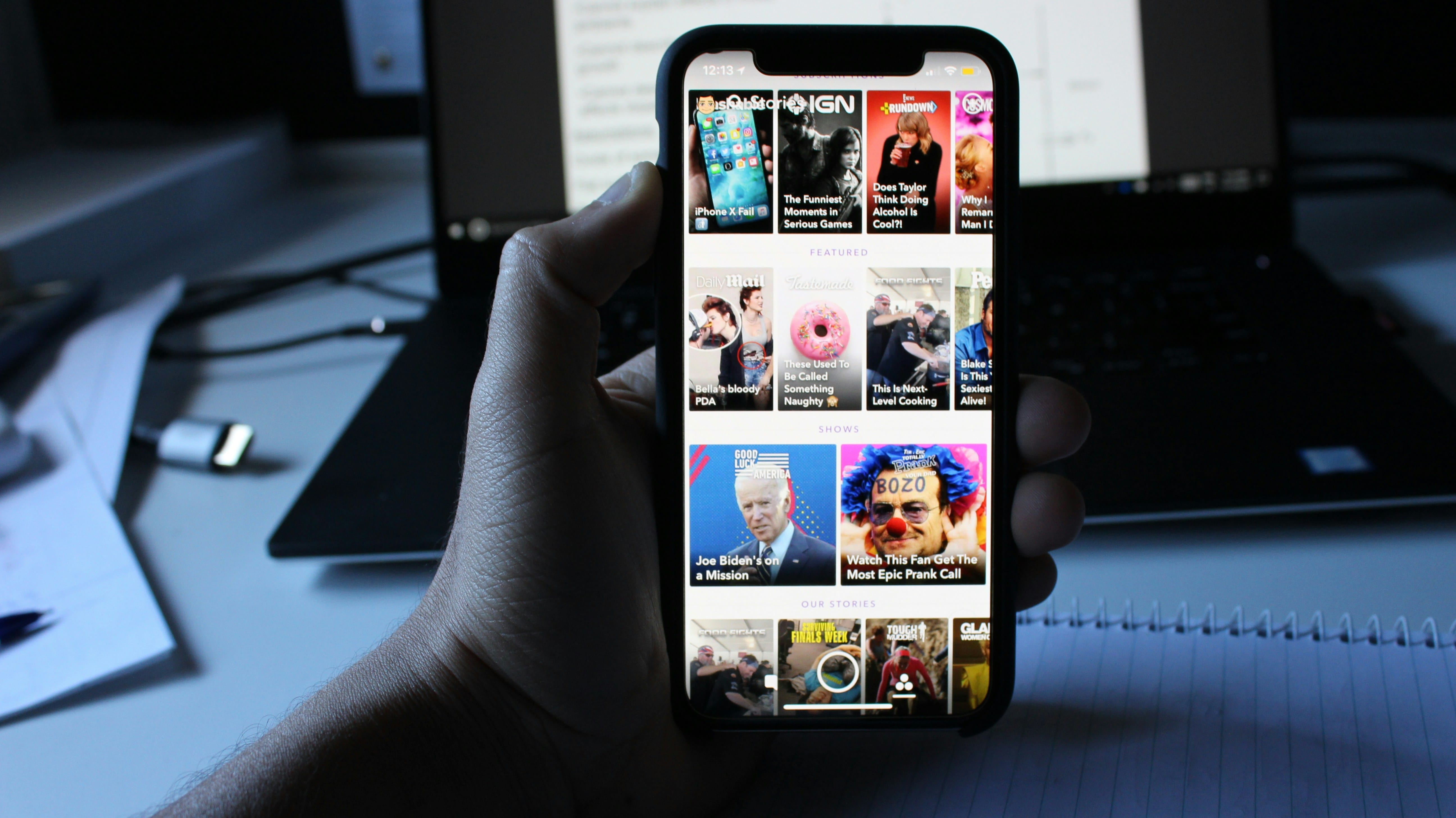
Which Social App Eats the Most Data, Snapchat or Others?
How much data does Snapchat use compared to other social media platforms? Snapchat is definitely one of the heavier apps in terms of data use, but it’s not alone. To understand its impact, it helps to compare it with other popular platforms.
YouTube: It remains one of the most data-consuming apps. Watching HD videos can use over 1 GB per hour, which is significantly more than most social apps.
Instagram: This app also consumes data with reels and stories. Scrolling for 30 minutes can easily use hundreds of megabytes of data.
TikTok: It also consumes data due to constant video playback and short-form loops.
FaceTime: This app uses less data overall, since it is mainly messaging and calls rather than endless feeds.
WhatsApp: How much data does WhatsApp use? Barely anything unless you're making frequent video calls.
Google Maps & Spotify: Data usage on Google Maps and Spotify is based on activity, but they generally use less data than Snapchat.
In addition to these apps, if you’re wondering, how much data does iMessage use? Practically negligible for standard text messaging.
Here is a table to give you a quick breakdown of how much data Snapchat uses compared to other social media apps.
|
App |
Average Data Use (Per Hour) |
Typical Activity |
Data Intensity |
|
Snapchat |
500–900 MB |
Watching Stories, sending Snaps, using filters |
High |
|
YouTube |
700 MB–1.5 GB |
Streaming HD videos |
Very High |
|
|
400–800 MB |
Scrolling feed, Reels, Stories |
High |
|
TikTok |
500–1,000 MB |
Short-form video playback |
Very High |
|
|
200–600 MB |
Browsing posts and videos |
Moderate–High |
|
FaceTime |
150–300 MB |
One-hour HD video call |
Moderate |
|
|
30–150 MB |
Texting, photos, calls |
Low |
|
Google Maps |
5–15 MB |
Navigation and map updates |
Low |
|
Spotify |
40–150 MB |
Streaming music |
Low–Moderate |
So, does Snapchat use a lot of data? Yes, particularly if you spend time on Stories or Spotlight. But with smart management, it’s easy to keep it under control.
Travel Tip: Avoid Roaming Fees While Snapping
Planning international travel? You need to address one critical question: Does Snapchat work internationally? Yes, it does work in most countries around the world.
Snapchat is even more fun when you’re traveling. But if you’re using your home SIM abroad, you could be hit with international roaming charges that cost far more than the trip itself.
Here’s how to stay connected safely and affordably:
Use a Travel eSIM or Local Data Plan
Before your flight, install a travel eSIM that works in your destination. A travel eSIM gives you instant access to local data without needing a physical SIM swap. It’s affordable, flexible, and you can activate it before landing.
If you’re looking for convenience, the best eSIM for travel options let you choose between regional or global plans, depending on where you’re going. With Jetpac eSIM, for example, you can manage data across multiple countries and avoid hidden costs. It’s ideal for travelers who want consistent connectivity without worrying about roaming rates.
Does Snapchat charge for international calls? The answer is no. Snapchat voice and video calls don't carry additional charges beyond regular data usage.
Having the right international eSIM plan means you’ll never be forced to turn off data or miss a Snap just to save money.
Turn Off Data Roaming (Until You’re Ready)
Even with an eSIM, it’s smart to control when data is used. Turn off roaming until you’ve landed and activated your plan. That prevents your phone from automatically connecting to expensive networks.
Use Wi-Fi for Heavy Features
Save your uploads, browsing, and video snaps for Wi-Fi. Many cafés, airports, and hotels offer free access, and using them for heavy features like video calls can drastically reduce data usage.
Download What You Can Before Traveling
Before leaving home, clear caches, pre-download filters, and update your Snapchat version using Wi-Fi. Doing so reduces the need for large updates or downloads during your trip.
By planning ahead with a travel eSIM, limiting background use, and choosing Wi-Fi wisely, you can enjoy Snapchat abroad without worrying about international roaming charges or data overages.

Travel Freely and Snap Every Moment with Jetpac eSIM
Does Snapchat work internationally when you have the right data plan? Absolutely. Jetpac eSIM provides international eSIM plans designed specifically for frequent travelers and international roaming situations. With affordable data across multiple countries, you maintain constant connectivity without excessive costs. Whether you're backpacking across continents or taking a single international trip, having the best international eSIM plans for travel ensures you can share every moment on Snapchat.
FAQs
How long does 1GB of data last on Snapchat?
If you mainly send photos and chats, 1 GB might last several days. But if you watch stories or videos regularly, it can disappear within an hour.
How do I make Snapchat use less data?
Turn on Data Saver, disable auto-play, use Wi-Fi for uploads, and restrict background data. These steps help cut your usage significantly.
Does texting on Snapchat use a lot of data?
No. Text chats use very little, just a few kilobytes per message. However, images, videos, and filters can consume a lot of your mobile data.
How much data does a single snap use?
A standard photo snap uses around 0.5–1 MB, while a 10-second video can take 3–5 MB.
Why does Snapchat keep so much data?
The app stores cached stories, filters, and thumbnails to make your experience faster. Over time, these files can use a lot of data. Clearing the cache helps free space and reduces background sync.
Does Snapchat use data in the background?
Yes. If background refresh is on, Snapchat can fetch stories and location updates even when idle. Disabling background data can stop it from automatically using your data.
Does Snapchat use more data than TikTok?
Both are video-heavy apps, but Snapchat’s auto-loading of content can make it consume slightly more over time, especially when you use filters and stories.
Does Snapchat work internationally?
Yes, it works anywhere you have an internet connection. But if you’re abroad, you’ll need either a local SIM or an international eSIM plan to avoid high fees.
Does Snapchat charge for international calls?
No, Snapchat doesn’t charge directly for calls. However, calls made over mobile data will count toward your plan, and using them without Wi-Fi overseas can lead to international roaming charges from your carrier.
Snapchat’s data use can be light or heavy; it all depends on your habits. If you mainly chat or send photos, your plan will last a while. But long sessions with stories, filters, and Discover can quickly add up.
However, by understanding how much data does Snapchat use, turning on Data Saver, using Wi-Fi wisely, and planning for travel with an eSIM, you can stay connected without paying extra.
And if you’re heading abroad, remember: does Snapchat work internationally? Yes, but only your data plan determines how affordable it is. Choose the best eSIM for travel, like Jetpac, to keep snapping, calling, and sharing without stress.
When you know how to manage your mobile data, Snapchat becomes the fun, spontaneous app it was meant to be, without hidden costs or surprise bills.


