
How to Text an International Number: Step-by-Step Guide
Learn how to text an international number easily. Follow our step-by-step guide to send messages abroad without hassle or extra charges.
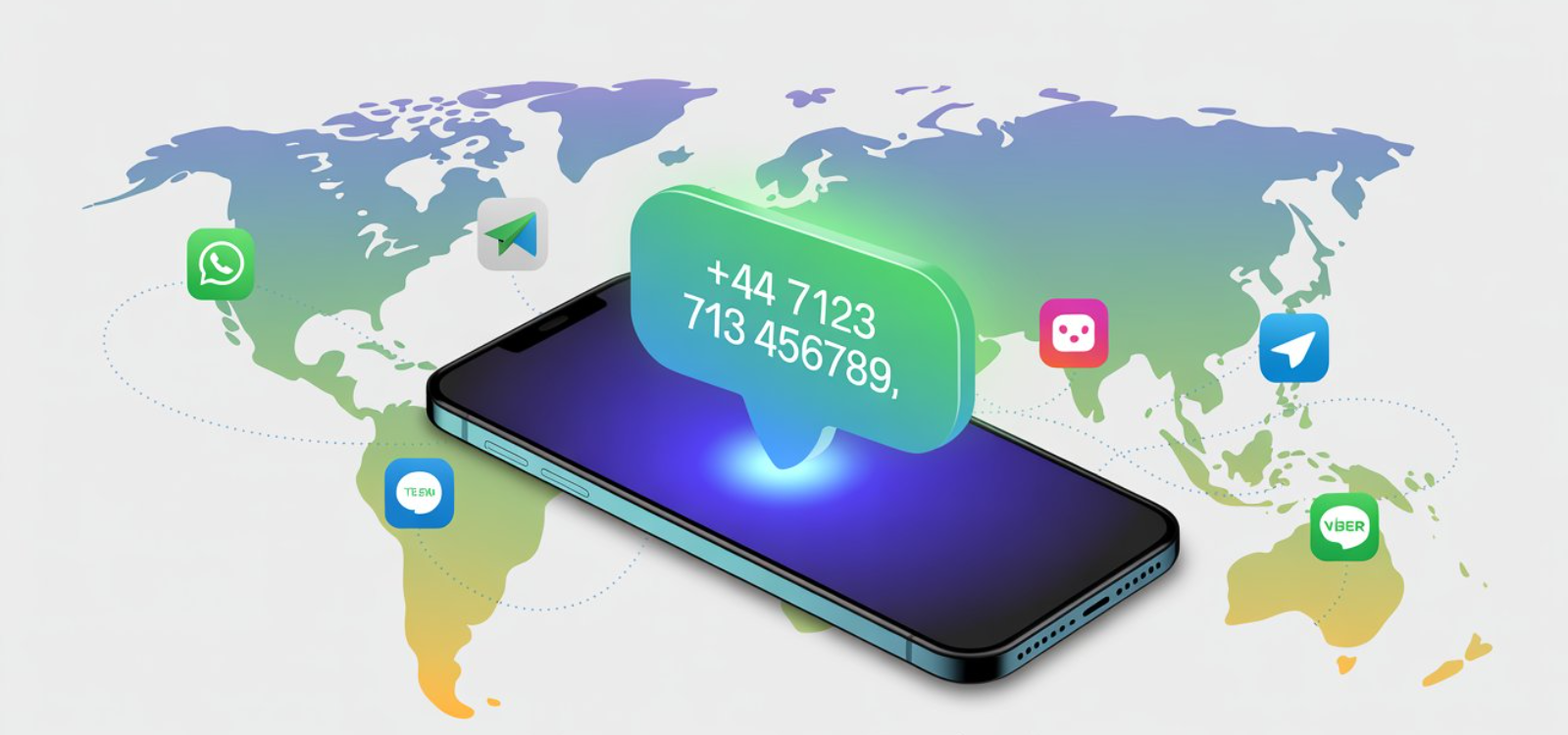
Texting abroad can be confusing. Do you need a country code, will it cost extra, or should you use WhatsApp instead? This guide explains how to text an international number, covers iPhone and Android steps, the costs of SMS vs data, the best international texting apps, and why an international eSIM is smarter than a roaming plan. Read the full blog for the complete step-by-step guide.
The other day, I wanted to text a close friend who had just moved to Australia. I opened my phone, typed in their number, and hit send… only to realize the message didn’t go through. Was I supposed to add a country code? Would my carrier charge me extra? Could I just use WhatsApp instead?
If you’ve ever wondered, “Can I text an international number?”, you’re not alone. Between SMS fees, roaming rules, and the rise of data-based messaging like iMessage, RCS, and WhatsApp, texting internationally can get confusing. Sending an international text message isn’t always straightforward, especially if you’re deciding between an eSIM for international travel or sticking with your carrier’s roaming plan.
This guide will walk you through step by step, from dialing formats to costs to the smartest ways to stay connected when abroad. You’ll also learn the difference between an eSIM vs international SIM plan, so you can choose the most affordable and flexible option.
SMS vs iMessage vs RCS vs Messaging Apps for International Messaging
When it comes to texting internationally, not all messages are created equal:
1. SMS (Short Message Service)
Traditional text sent via your carrier. Reliable, but international text messages usually cost extra ($0.25–$1 per text).
2. iMessage (Apple)
If both sender and receiver use iPhones with Wi-Fi or data, texts are free and unlimited. Falls back to SMS (green bubble) if no data.
3. RCS (Rich Communication Services)
Google’s upgrade to SMS, now used on Android and iOS, is adding support in 2024/25. Works like iMessage: over Wi-Fi/data, with rich features (read receipts, photos, group chats). Great for international texting without extra carrier fees if both users have RCS enabled.
4. Messaging apps (WhatsApp, Messenger, Telegram, LINE, WeChat, Viber)
Cross-platform, free or low-cost, and widely used. For example:
WhatsApp (≈2.8 billion users): The world’s most popular messaging app, especially dominant in Europe, Latin America, India, and Africa.
Messenger (≈1 billion users): Strong in North America and parts of Southeast Asia, widely tied to Facebook.
Telegram (≈950 million users): Rapidly growing in Eastern Europe, Russia, and the Middle East; known for privacy, large groups, and speed (though banned in some countries like China and Iran).
WeChat (≈1.3 billion users): Essential in China; combines messaging, payments, and social features. Outside China, its usage is limited.
LINE (≈180 million users): Popular in Japan, Taiwan, and Thailand, with unique features like stickers, payments, and in-app services.
Viber (≈260 million users): Strong in Eastern Europe, the Balkans, the Middle East, and the Philippines; offers free messaging plus cheap international calls.
| 👉 Takeaway: SMS is old, costly, and limited. For international communication, use iMessage, RCS, or apps like WhatsApp, especially if you have an international eSIM with data included. |
Step-by-Step Guide to Dialing an International Number for Texting
If you need to send an SMS to someone abroad, follow these steps:
1. Start with the exit code
- From the US/Canada: Dial + or 011.
- From Europe and most countries: Dial 00.
2. Add the country code
Examples: Australia (+61), UK (+44), France (+33), India (+91).
3. Enter the local number (without the leading zero)
Example: An Australian number 0412 345 678 becomes +61 412 345 678.
4. Send your message
- If it’s SMS, carrier charges apply.
- If it’s iMessage, RCS, or a messaging app, it goes over Wi-Fi/data, usually free.
How to Text Internationally From iPhone or Android
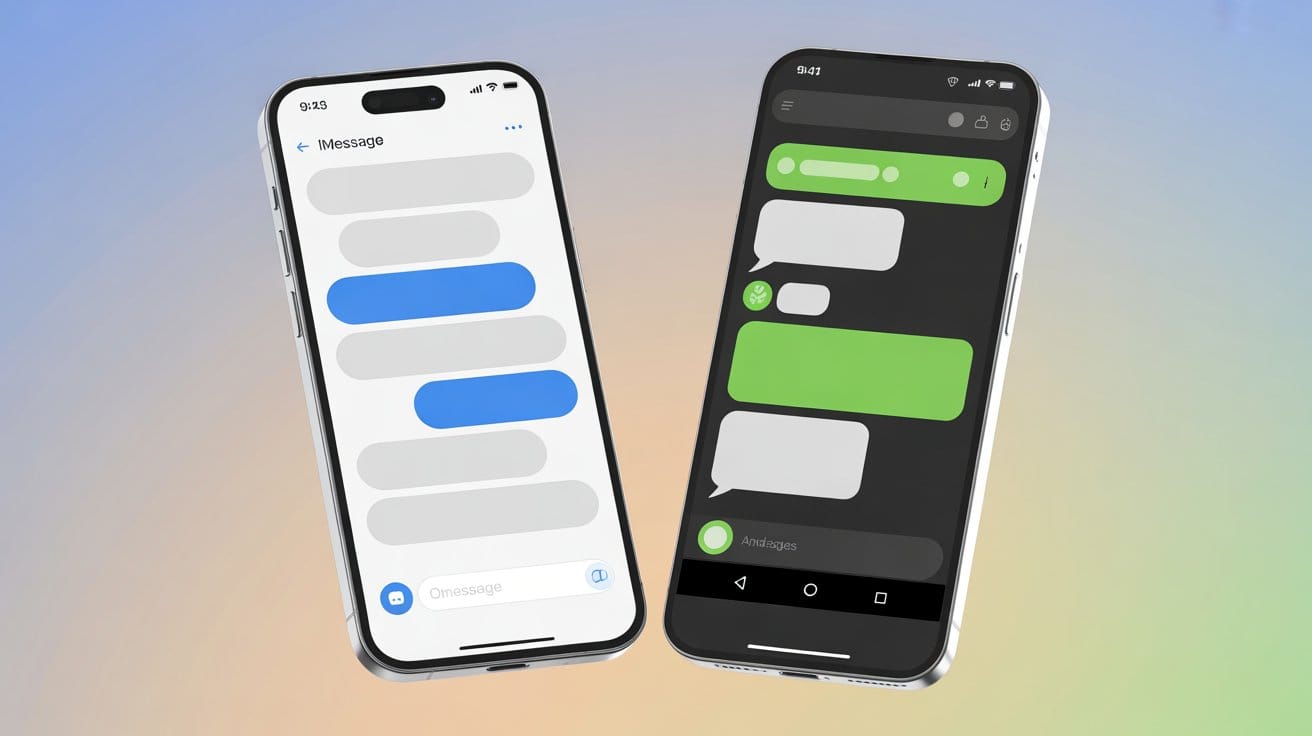
Once you know the correct international dialing format, the next step is to understand how your phone handles those numbers. iPhone and Android devices both support international texting, but they utilize slightly different systems: iMessage on Apple devices and RCS/SMS on Android. That’s why it’s important to know what to expect on your specific device.
How to Text Internationally on an iPhone?
Open the Messages app.
Type the number in + (country code + local number) format.
Blue bubble = iMessage (free over Wi-Fi/data).
Green bubble = SMS (carrier charges apply, usually $0.25–$1 per international text).
In Settings, you can enable Send as SMS so texts fall back to SMS if iMessage isn’t available.
| 👉 Pro tip: Use an eSIM for international travel to keep iMessage and apps working abroad without costly roaming fees. |
How to Text Internationally on Android?
Open the default Messages app (Google Messages on most devices).
Enter the number in + (country code + local number) format.
If both users have RCS enabled, messages are sent over Wi-Fi/data with features like read receipts and media sharing (no extra international SMS charges).
If RCS isn’t available, the phone defaults to SMS, which may incur fees.
What It Costs to Text Across Borders (Roaming & Carrier Fees)
Many travelers ask: “Can I text an international number for free?” The answer depends on the method you use for texting internationally:
SMS: An international text message typically costs $0.25–$1, and sometimes more when roaming. These charges can add up quickly if you rely on SMS for longer conversations.
Roaming plans: US carriers often charge $10/day abroad, which usually includes texting—but this option gets expensive for extended trips.
iMessage / RCS / international texting apps: Free when you’re on Wi-Fi. If using mobile data, messages simply count against your plan instead of being billed per text.
eSIM for international travel: This is often the smarter choice compared to a roaming plan. An international eSIM gives you prepaid data at local rates, making texting internationally cheaper and more flexible without worrying about per-text fees.
👉 This is where eSIM vs international plan really matters. Traditional carrier roaming plans are costly, while an eSIM for international travel gives you prepaid data at lower rates, making texting internationally cheaper and more flexible.
Best Free or Low-Cost Ways to Send International Texts
Texting abroad doesn’t have to be expensive. While carriers often charge $0.25–$1 per international SMS, there are better alternatives that use Wi-Fi or mobile data.
Wi-Fi first: Always use Wi-Fi when available to send messages via iMessage, RCS, or apps. These work over the internet, so you avoid carrier SMS fees.
Apps over SMS: WhatsApp, Messenger, and Telegram are some of the best international texting apps. They let you send unlimited texts, photos, and calls for free as long as you’re online. WeChat is essential in China, and LINE is widely used in Japan and parts of Southeast Asia.
Use an eSIM for international travel: With international eSIM plans, you get affordable prepaid data abroad, which powers all your apps. This makes texting internationally seamless without worrying about roaming fees.
4 Smart Messaging Habits Abroad
Even with the right tools, a few smart habits help avoid confusion or extra charges.
Save contacts with +country code: Always include the international dialing format (+country code + number). For example, +61 for Australia.
Use multiple apps: Friends abroad may prefer WhatsApp, WeChat, LINE, or Telegram, depending on their region.
Send photos and videos on Wi-Fi: Media files eat up data quickly, so use Wi-Fi when possible.
Remember SMS billing rules: SMS is billed per segment (usually 160 characters). Longer messages may be split into multiple texts, costing more.
4 Common Mistakes to Avoid
Most international texting issues come from small but common errors.
Forgetting the country code.
Keeping the local “0” when it’s not needed (e.g., UK numbers drop the 0 after adding +44).
Assuming your plan includes international texting, most don’t, unless you’ve bought a specific package.
Relying on roaming SMS instead of using free apps or Wi-Fi-based services.
Jetpac eSIM for Hassle-Free International Travel & Connectivity
Traditional roaming plans can be pricey and restrictive. An eSIM for international travel gives you reliable, affordable data worldwide, so your messaging apps always work.
With Jetpac eSIM, you get:
Instant setup: Buy online, scan a QR code, and connect in minutes.
200+ destinations: One eSIM works across most countries.
Strong coverage: Always connects to the best available local networks.
Unlimited hotspot sharing: No throttling or tethering limits.
No bill shocks: 100% upfront pricing with no hidden charges.
Free essentials: Even if your data runs out, WhatsApp, Google Maps, and Uber keep working.
24/7 support: Real help via WhatsApp or email anytime.
With Jetpac, you don’t need to worry, “Can I text an international number?”; you just message, call, or share freely using data.
Staying Connected Made Simple
Texting abroad doesn’t have to be complicated or costly. Whether you’re messaging over Wi-Fi, using an app, or setting up an international eSIM, you have plenty of smart options that save money and hassle. The key is choosing the method that fits your travel style, so your focus stays on the journey, not the roaming bill.
FAQs
Q: How do I send a text to an international phone number?
Enter + (country code + local number).
Example: +61 for Australia (drop the leading 0 in local numbers).
Q: Can I text internationally for free?
Yes, if you use Wi-Fi or apps like WhatsApp, Messenger, iMessage, or RCS. SMS usually costs extra, often $0.25–$1 per text.
Q: Can international numbers receive SMS?
Yes. Most carriers deliver SMS internationally, but charges may apply to the sender and sometimes the receiver, depending on their plan.
Q: Is WhatsApp better than iMessage?
For international use, yes. WhatsApp works across all devices and platforms, while iMessage only works between Apple devices.
Q: How much does it cost to text internationally with an iPhone?
International SMS costs vary by carrier (typically $0.25–$1 per text). iMessage is free over Wi-Fi or mobile data.
Q: Can I send a text message to someone overseas?
Yes, just include the correct country code before the number.
Q: What happens if I text someone in another country?
They’ll receive the message if their phone is active. If it’s SMS, fees apply. If it’s iMessage, RCS, or an app, it just uses data/Wi-Fi.
Q: Does RCS work internationally?
Yes, if both sender and receiver have RCS enabled and data/Wi-Fi. However, support depends on carriers and phones; RCS may not be available everywhere yet.
Q: How to text internationally on an iPhone without extra charges?
Use iMessage or apps like WhatsApp when connected to Wi-Fi or mobile data. Avoid SMS unless you have an international plan or an eSIM for travel.
Q: Can I text internationally for free on iPhone?
Yes, if you use iMessage over Wi-Fi/data or apps like WhatsApp and Messenger. Carrier SMS will cost extra.
Q: Do I need a special setting to text internationally from my iPhone?
No. Just enter the number in full international format (+country code + number). Your iPhone will route it via iMessage (blue) or SMS (green).


