Is My Phone eSIM Compatible? The Complete 2025 Guide for Travelers
Not sure if your device is on the list of eSIM compatible phones? Discover how to check if your iPhone and Android phones support eSIM with our guide.
Not sure if your device is on the list of eSIM compatible phones? Discover how to check if your iPhone and Android phones support eSIM with our guide.
Planning your next adventure but worried about staying connected abroad? You're not alone. With 98% of Americans owning at least one smartphone and 8.65 mobile subscriptions in use worldwide, more travelers are discovering eSIM technology as their secret travel hack for hassle-free international connectivity.
If you've been wondering, "Is my phone eSIM compatible?" – you're in the right place. This comprehensive guide will help you check your device's compatibility and understand why eSIMs are revolutionizing travel connectivity.

What is an eSIM?
Think of an eSIM (embedded SIM) as your phone's digital passport for connecting to networks. Unlike the tiny plastic SIM card you can remove from your phone, an eSIM is built right into your device as a small chip that can't be lost or damaged.
Here's what makes eSIMs special for travelers:
Instant Activation: Download a plan and connect immediately – no waiting for SIM cards to arrive in the mail or hunting for stores at your destination.
Multiple Plans: Store several carrier profiles on one device, perfect for separating work and personal lines or switching between international and domestic plans. You can use an eSIM from a provider like Jetpac as long as your phone isn’t carrier-locked.
No Physical Swapping: Never worry about losing tiny SIM cards or carrying a SIM removal tool while traveling.
Remote Management: Add, remove, or switch plans entirely through your phone's settings – no store visits required.

How Do I Check If My Phone is eSIM Compatible?
Before diving into brand-specific instructions, here's a universal method to determine if your phone is eSIM compatible:
The EID Method
Open your phone's dialer
Type *#06#
Look for a number labeled "EID" (usually 32 digits)
If you see an EID, your phone supports eSIM
The Settings Method
Go to your phone's Settings
Look for "Mobile/Cellular," "SIM," or "Network" sections
Search for options like "Add eSIM”
If these options exist, you're eSIM-ready
You can also check if your phone is carrier-locked with the method below:
Go to your phone’s Settings app
Look for General, or Connections
Under About or More Connection Settings, there should be a section listing whether your phone is network locked
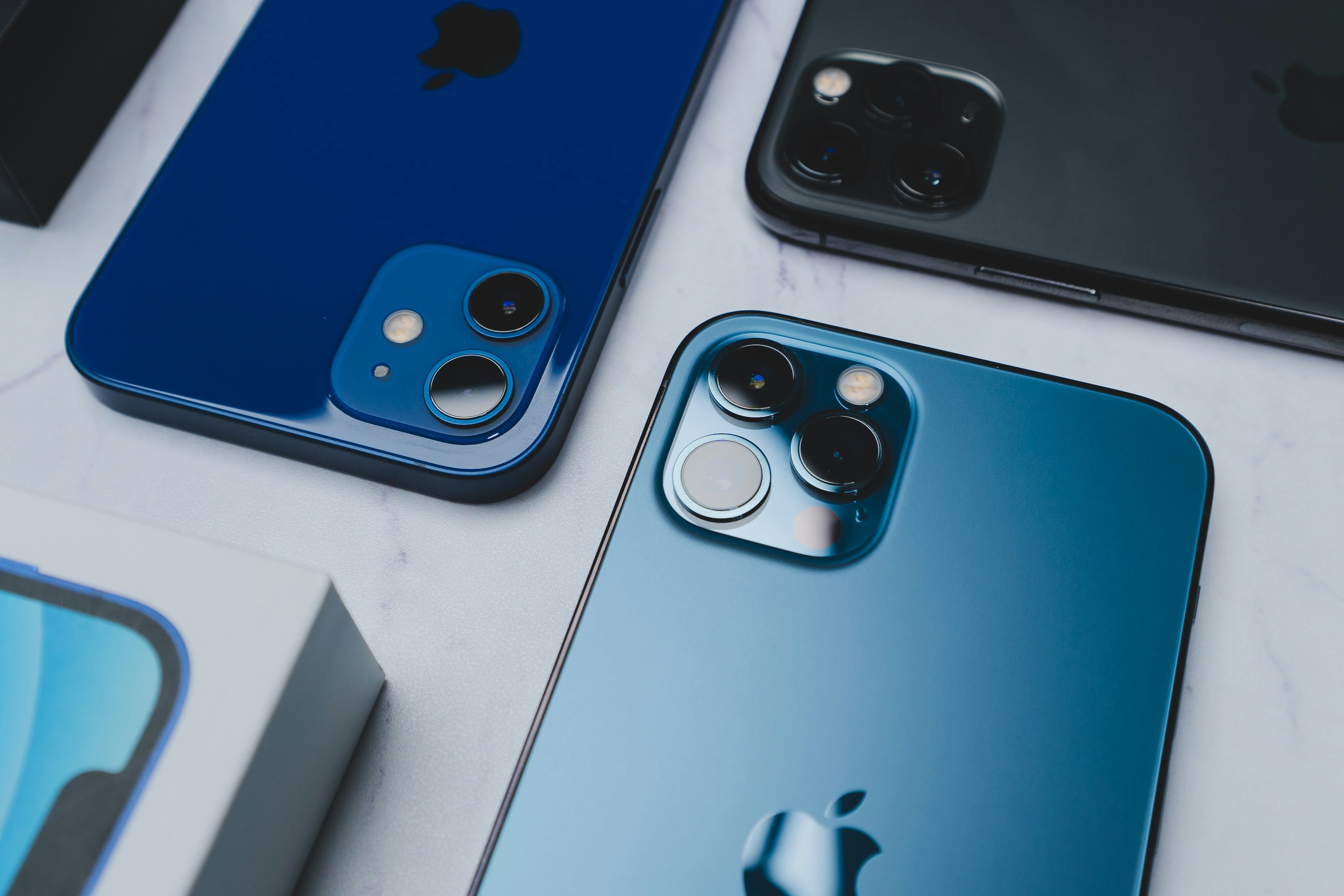
iPhone eSIM Compatibility Guide
Apple has been a leader in eSIM adoption, making it easy for iPhone users to embrace this technology.
eSIM Compatible iPhone Models
iPhone 16 series (all models)
iPhone 15 series (all models)
iPhone 14 series (all models)
iPhone 13 series (all models)
iPhone 12 series (all models)
iPhone 11 series (all models)
iPhone XS, XS Max, and XR
iPhone SE (2nd and 3rd generation)
How to Check if Your iPhone is eSIM Compatible
Open Settings → Cellular/Mobile Data
Look for "Add Cellular Plan" or "Add eSIM"
If present, your iPhone supports eSIM
Phone 14 models and onwards that are sold in the US are eSIM-only and don't have physical SIM slots. iPhones that are sold in mainland China, Hong Kong, and Macao may not support eSIM use.
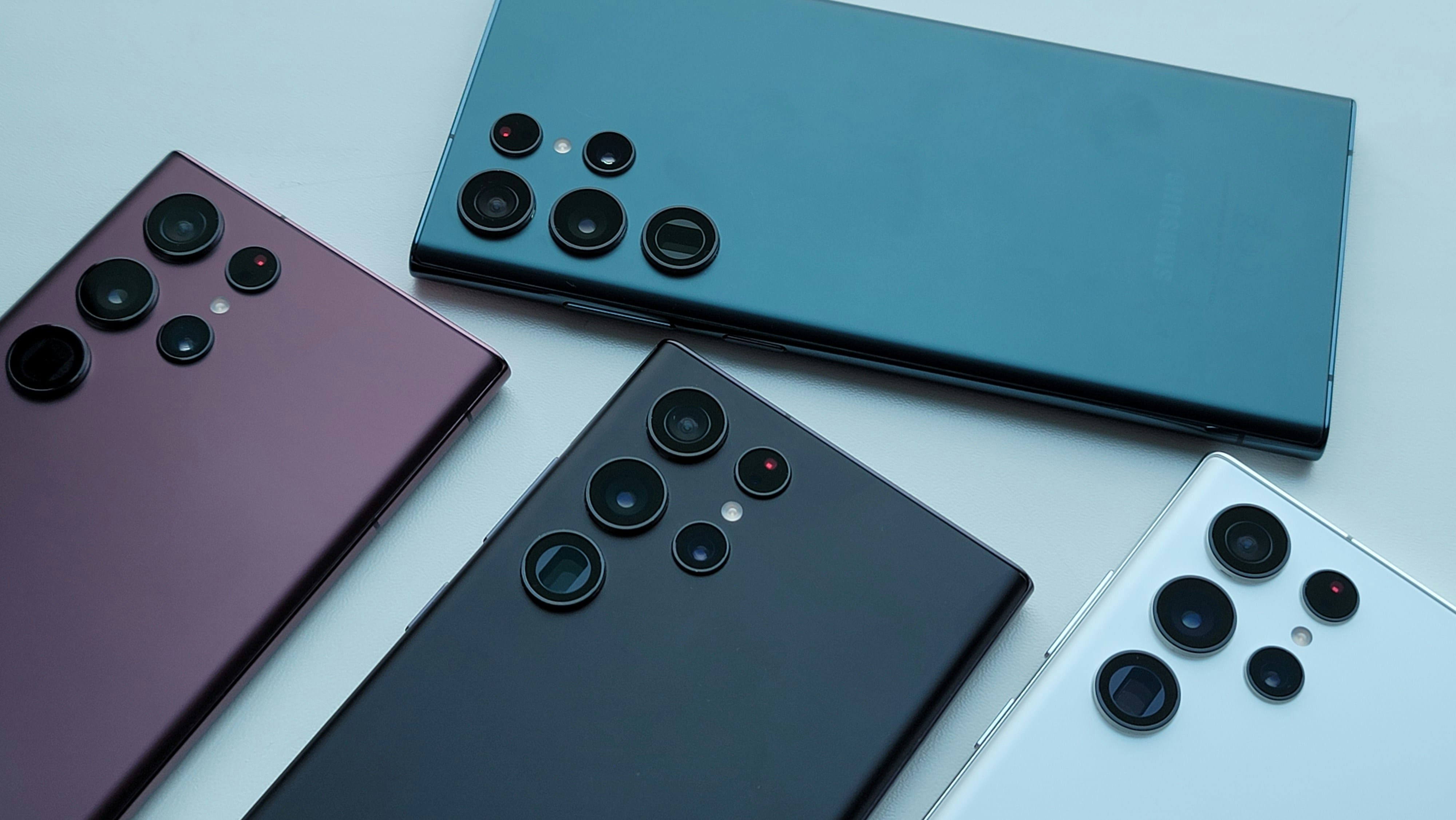
Android eSIM Compatibility by Brand
Android eSIM support varies significantly by manufacturer and model. Here's what to look for in Samsung and Google Pixel models:
Samsung Galaxy eSIM Support
Compatible Samsung Models
Galaxy S24 series
Galaxy S23 series
Galaxy S22 series
Galaxy S21 series
Galaxy S20 series
Galaxy Note 20 series
Galaxy Z Fold and Z Flip series (most models)
How to Check if Your Samsung is eSIM Compatible
Settings → Connections → SIM card manager
Look for "Add mobile plan" or "Add eSIM"
Google Pixel eSIM Compatibility
Google Pixel phones have excellent eSIM support across most recent models.
eSIM Compatible Pixel Models:
Pixel 8 and 8 Pro
Pixel 7 and 7 Pro
Pixel 6 and 6 Pro
Pixel 5 and 5a
Pixel 4 and 4a
Pixel 3, 3a, and 3 XL
How to Check if Your Pixel is eSIM Compatible
Settings → Network & Internet → SIMs
Look for "Add eSIM" or "Download a SIM"
However, for the Pixel 3 and 4 series, there are specific carrier models and models sold elsewhere outside the US that may not be eSIM compatible. You can check the full list of exceptions on the Google Pixel Phone Help website.
Other Android Brands
Motorola: Recent flagship models like the Edge series support eSIM
OnePlus: Select models from OnePlus 11 onwards
Xiaomi: Limited support in certain regions and models
- Huawei: Some newer models, but availability varies by region

Why an eSIM is Perfect for Travelers
Traditional SIM cards can be a travel nightmare – they're easy to lose, require store visits, and often come with an extensive KYC process. eSIM technology solves these problems seamlessly and easily.
Cost Savings for International Travel: Instead of paying 10-15 USD per day for international roaming, a Jetpac Europe eSIM costs just 23 USD for 20 GB. For a two-week European vacation, you could save hundreds of dollars.
Instant Connectivity: Land in Tokyo, Rome, or Bangkok and activate your plan immediately. No more searching for SIM card shops or dealing with language barriers.
Multi-Country Plans: Many eSIM providers offer regional plans covering multiple countries. A Jetpac eSIM can work across Southeast Asia, North America, or even a Global pack for over 200+ destinations.

Common eSIM Questions for Travelers
Can I use eSIM and physical SIM simultaneously?
Yes, most dual-SIM phones are eSIM compatible and support this configuration, letting you maintain your home number while using local data.
Do I need an unlocked phone to use an eSIM?
If you’re planning to use an eSIM from another provider, such as Jetpac, you need an unlocked phone. You can contact your service provider to check if your phone is still carrier locked.
Do all countries support eSIM?
While eSIM technology is global, local carrier support varies. Research your destination before traveling.
Can I share my eSIM with other devices?
No, eSIM profiles are device-specific and cannot be shared like physical SIM cards. You’d have to delete the eSIM on your previous phone and reinstall it in your new device.
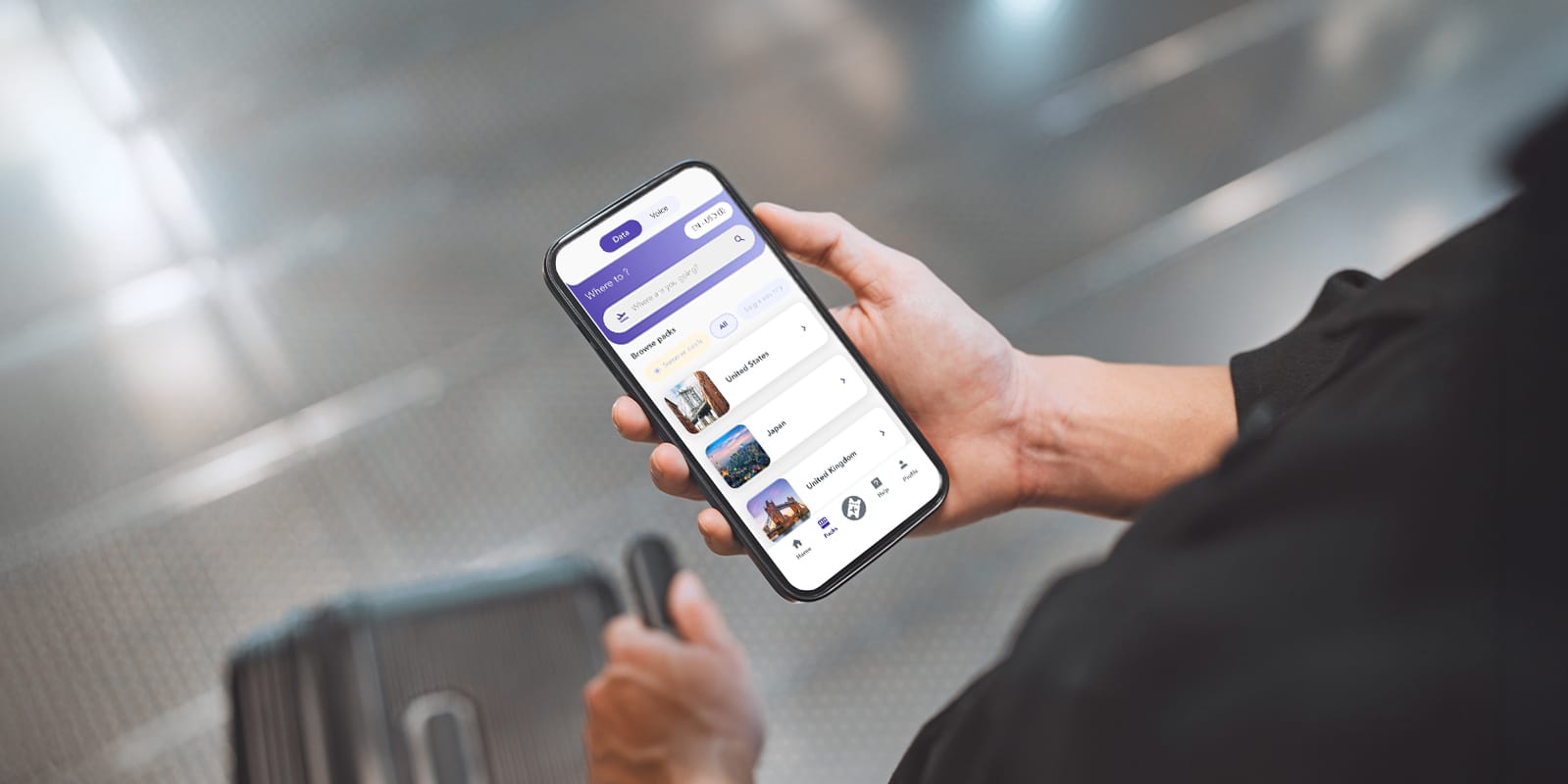
Experience Seamless Travel with Jetpac eSIM
Now that you've confirmed your phone is eSIM compatible, it's time to discover why Jetpac eSIM is revolutionizing how travelers stay connected worldwide.
Gone are the days of buying different eSIMs for each country or juggling multiple profiles. With Jetpac eSIM, you get one universal eSIM that can automatically connect to the best local networks wherever you travel. Plus, there are other perks and features that’ll help make your travel experience all the more enjoyable.
Need to get data for a new destination? Just grab or top up via the app. No more swapping, no more confusion – just seamless connectivity. Get yours now!