
Is There Wi-Fi on Airplanes: Cost, Speed & How It Works
Is there Wi-Fi on airplanes? Learn how plane Wi-Fi works, costs, speeds, and why Jetpac’s international eSIM plans are the best eSIM for travel.
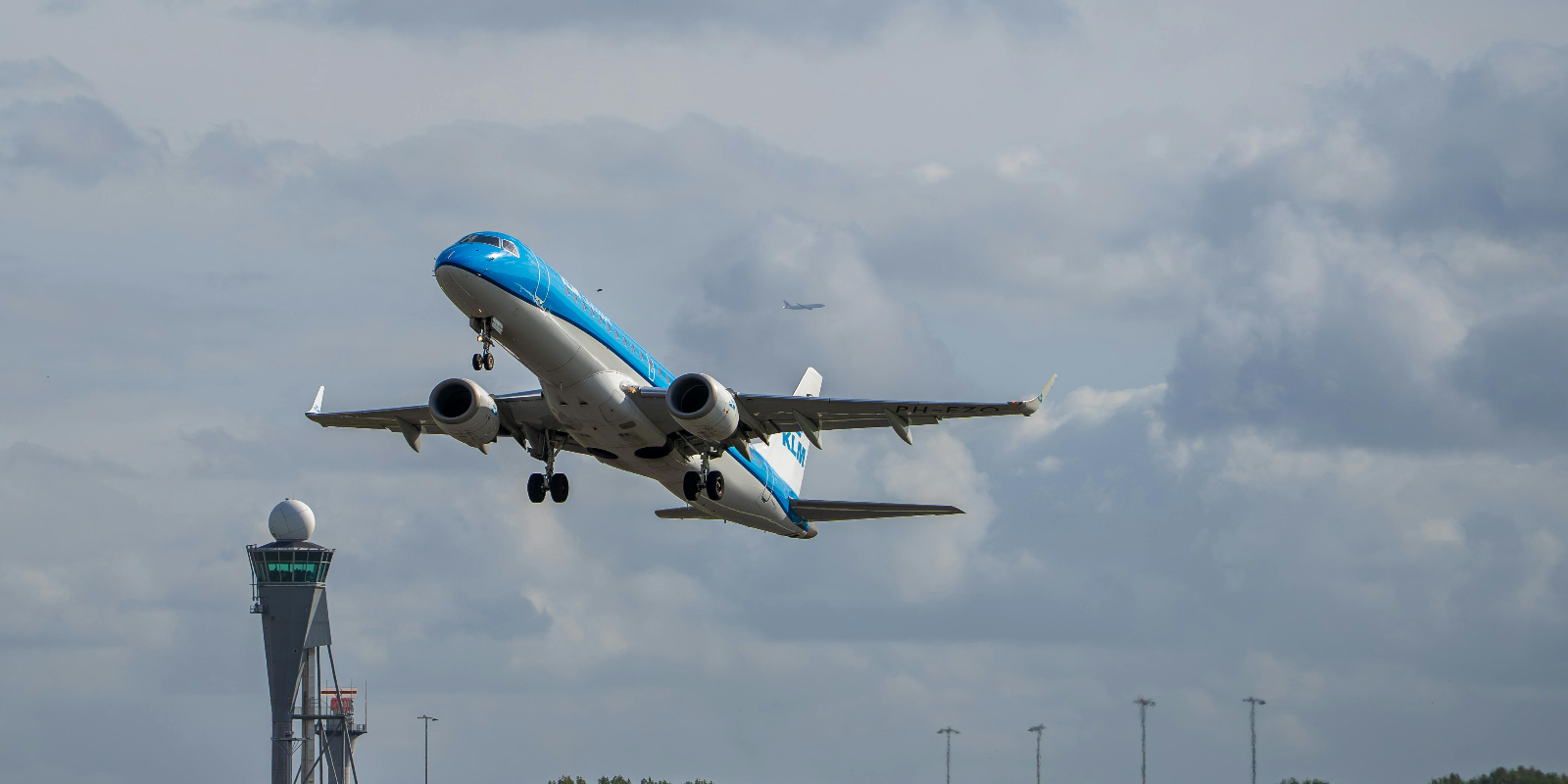
Is there Wi-Fi on airplanes? Yes, most airlines now offer it, but speed, cost, and availability depend on the route. Satellite Wi-Fi covers international flights, while air-to-ground works mainly on domestic ones. Some airlines include free access, while others charge $5–$30. It’s good for browsing and messaging, but not always for streaming. That’s why many travelers also use international eSIM plans. With Jetpac, the best eSIM for travel, you get coverage in 200+ countries, upfront pricing, 24/7 support, and free access to WhatsApp, Uber, and Google Maps even after your data runs out. This way, you stay connected whether the plane has Wi-Fi or not. Read this blog to learn how airplane Wi-Fi works, what it costs, and the best ways to stay connected when you fly.
Wi-Fi is everywhere at home, in offices, cafés, airports, and even through a friend’s hotspot. But what about in the air? Many travelers wonder: Do planes have Wi-Fi on flights?
The answer is yes. Most airlines now offer in-flight Wi-Fi, though availability depends on the airline, aircraft, and route. Some flights include it for free, while others charge by the hour or sell full-journey passes.
Getting connected is simple: you just join the airline’s onboard network. Still, it’s worth knowing how much in-flight Wi-Fi costs and what speeds to expect, since connections can sometimes be slow or patchy. That’s why pairing in-flight Wi-Fi with an international eSIM is a smart move. With the best eSIM for travel, you’re online the moment you land, without worrying about roaming fees.
In this blog, we’ll cover how airplane Wi-Fi works, what it costs, the speeds you can expect, and how international eSIMs help you stay connected everywhere.”
What Is Airplane Wi-Fi?
Airplane Wi-Fi is the internet you use while flying. So, is there Wi-Fi on airplanes? Yes. Instead of a home router, planes connect to satellites or ground towers and share that signal inside the cabin.
Do planes have Wi-Fi on every flight? Not all. Big airlines usually offer it on long routes, while smaller planes and budget carriers may not.
How to get Wi-Fi on a plane? Simply connect to the onboard Wi-Fi network, open the airline’s portal, and log in. Some flights include free access, others charge based on time or data.
Since in-flight Wi-Fi can be slow, many travelers also use international eSIM plans. The best eSIM for travel keeps you online as soon as you land, without roaming costs.
How Does Airplane Wi-Fi Work?
Many people ask, ‘Is there Wi-Fi on airplanes, and how does it actually work?’ Planes connect to the internet in two main ways: satellite systems and air-to-ground systems. Let’s break down how you get Wi-Fi on planes.
Satellite Wi-Fi
The plane connects to satellites orbiting the Earth.
Coverage works over oceans and international routes.
Speeds are decent, but the cost is higher.
Air-to-Ground Wi-Fi
The plane connects to cell towers on the ground.
Works best for domestic flights over land.
Usually cheaper but may lose signal over water.
So yes, do planes have Wi-Fi? They do, but the type of system affects cost, speed, and reliability. That’s why knowing how to get Wi-Fi in a plane and what to expect helps you plan ahead.
For backup, travelers often use international eSIM plans. With the best eSIM for travel, you can skip unreliable in-flight speeds and reconnect as soon as you land.
Which Airlines Provide Wi-Fi and Where
Is there Wi-Fi on airplanes across all airlines? Yes, but the type of service you get depends on the carrier and the route. Here’s how availability looks today.
Airlines with Free Wi-Fi
Several carriers have already made free in-flight Wi-Fi a standard, especially for loyalty program members.
JetBlue offers free Fly-Fi across its entire fleet, while Delta, United, and American Airlines are expanding free Wi-Fi for their frequent flyer programs.
Air France and Southwest are also rolling out free access across most of their aircraft, making free in-flight connectivity more common on both domestic and international routes.
Airlines with Paid Wi-Fi
Other airlines continue to offer Wi-Fi as a paid service, often with free access for premium cabins.
Emirates provides Wi-Fi on almost all aircraft, with free chat for loyalty members and paid full access for others.
Qatar Airways, Singapore Airlines, British Airways, and Lufthansa also offer tiered plans ranging from basic chat options to high-speed packages suitable for browsing and streaming.
Regional Availability
In North America and Europe, most major airlines now provide Wi-Fi on the majority of flights.
In the Asia-Pacific region, airlines like Qantas, Air New Zealand, Cathay Pacific, and Japan Airlines are expanding their services.
Middle Eastern carriers, including Emirates, Etihad, and Qatar Airways, are often recognized for providing some of the fastest and most reliable in-flight Wi-Fi.
Coverage Gaps
Some regions still restrict or limit in-flight Wi-Fi:
No coverage: North Korea, Cuba, Paraguay, Syria, Israel, Lebanon
Limited: India, Iran, Turkey
Polar routes: Service interruptions due to limited satellite coverage
How Fast Is Wi-Fi on Planes? Typical Speeds & Limitations
So, is there Wi-Fi on airplanes fast enough to actually use? Usually yes, but don’t expect home-level speeds. Satellite Wi-Fi averages 5–20 Mbps, while newer systems like Starlink can go beyond 100 Mbps. This is fine for emails, messaging, and browsing.
The limitations: streaming, large downloads, and video calls often struggle. Do planes have Wi-Fi? Yes, but speed depends on the route, airline, and technology. For reliable connectivity after landing, many travelers keep international eSIM plans ready.
How Much Does Wi-Fi on Airplanes Cost?
How much does Wi-Fi cost on planes? Prices vary. Some airlines now offer it free for loyalty members, while others charge. Expect:
Hourly passes: $5–$10
Full-flight access: $10–$30
Monthly plans: $50+ for frequent flyers
International routes often cost more than domestic ones. For comparison, a prepaid international eSIM or the best eSIM for travel often gives cheaper and more reliable data as soon as you land.
How to Connect to In-Flight Wi-Fi – Step-by-Step Guide
If you’ve asked how to get Wi-Fi in a plane, the steps are simple:
Switch your phone to airplane mode and enable Wi-Fi.
Connect to the airline’s Wi-Fi network (name shown in settings).
A portal page opens automatically, or open a browser.
Choose free access (if available) or pay for a plan.
Start browsing.
That’s it. Some carriers even let you use messaging for free. If not, you can fall back on international eSIM plans after landing.
Why Wi-Fi On Planes Can Be Slow or Unreliable
Is there Wi-Fi on airplanes? Yes, but it’s not always smooth. Connections bounce between satellites and aircraft equipment, which can cause lag or dropouts. Over busy routes, many users share limited bandwidth, slowing things down.
So even though does an airplane have Wi-Fi? It does, but reliability isn’t guaranteed. That’s why frequent travelers keep an international eSIM handy for instant access once the plane touches down.
What You Can & Cannot Do With In-Flight Wi-Fi
Do planes have Wi-Fi good enough for everything? Not quite.
✅ You can: send emails, browse, chat on WhatsApp, and use social media.
❌ You cannot reliably: stream HD movies, play online games, upload large files, or run long video calls.
For entertainment, download shows and music before flying. For connectivity after landing, the best eSIM for travel keeps you going without relying on patchy in-flight networks.
Does Airplane Mode Affect Your Wi-Fi Access?
People often ask: Does an airplane have Wi-Fi if my phone is in airplane mode? Yes. Airplane mode disables cellular signals, but Wi-Fi can be turned on separately. Airlines specifically instruct passengers to keep airplane mode on and then connect to Wi-Fi.
So, how do you get Wi-Fi on planes? Switch on airplane mode, enable Wi-Fi, then join the airline’s network. Simple.
5 Tips to Get the Best Wi-Fi Experience When Flying
If you’re asking, how to get Wi-Fi in a plane and make the most of it, here are some quick tips:
Connect early before too many passengers log on.
Stick to light browsing and messaging, save heavy tasks for later.
Download movies and work files before flying.
If streaming is offered, pick low quality to reduce buffering.
Use international eSIM plans as a backup. The best eSIM for travel ensures you’re never stuck without internet when the plane lands.
6 Simple Alternatives & Complementary Options
Even though there is Wi-Fi on airplanes, it is not always reliable or affordable. That is why many travelers prepare with alternatives:
Offline content: Download movies, music, books, or work files before your flight.
Messaging-only access: Some airlines let you use WhatsApp or iMessage for free without full internet.
Pre-downloaded maps and emails: Save directions, documents, or inboxes in offline mode.
In-flight entertainment systems: Use the airline’s built-in movies, shows, and games, which don’t require Wi-Fi.
Low-data modes: Turn on lite or compression features in apps to save bandwidth.
Hotspot tethering after landing: Use an international eSIM or local plan to share data across devices once you land.
Still, nothing beats having reliable connectivity once you’re back on the ground. That’s where Jetpac’s international eSIM plans become essential.
Skip the Airport SIM Hunt: Use an eSIM After Flying
After a long flight, the last thing you want is to search for a SIM card counter at a crowded airport. Jetpac eliminates that hassle. As the best eSIM for travel, it gives you seamless connectivity without roaming surprises.
Here’s why travelers choose Jetpac:
1 eSIM for 200+ destinations: Install once, top up for every trip.
Multiple networks per country: Always-on connectivity with automatic switching to the strongest signal.
No bill shocks: 100% upfront pricing with flexible international eSIM plans.
Free essentials even after data runs out: WhatsApp, Uber, and Google Maps still work.
Hotspot support: Share your data with family or colleagues, even on unlimited packs.
24/7 premium support: Assistance via WhatsApp or email anytime, anywhere.
Frequent flyer perks: Lounge access for flight delays, and 5G coverage in 50+ countries.
So, does an airplane have Wi-Fi? Yes, but it may be slow or costly. With Jetpac eSIM for international travel, you land with instant, reliable data, no kiosks, no SIM swaps, no stress.
FAQs on Airplane Wi-Fi
Can you get Wi-Fi on the plane?
Yes. Is there Wi-Fi on airplanes? Most modern aircraft have it, though coverage and cost vary by airline and route.
Can I use Wi-Fi on a plane for free?
Some airlines offer free access for loyalty members or premium cabins. Others charge, so always check in advance.
How much is Wi-Fi on a plane?
How much does Wi-Fi cost on planes? Usually $5–$10 per hour or $10–$30 for a flight pass. Premium plans and international routes can cost more.
What happens if you don't turn on airplane mode?
Your phone may still try to connect to cellular networks, which is not allowed in flight. Keep airplane mode on and then connect to Wi-Fi.
Do low-cost airlines offer Wi-Fi?
Some budget airlines skip it to save costs. Others are adding basic plans. Always check if an airplane has Wi-Fi on your route.
Can you text on a plane without Wi-Fi?
Yes, if your carrier supports in-flight SMS. Otherwise, use messaging apps when connected. For data after landing, international eSIM plans or the best eSIM for travel give you instant access.
How do you get Wi-Fi on planes?
Turn on airplane mode, enable Wi-Fi, connect to the airline’s network, and log in through the portal. That’s how to get Wi-Fi in a plane.
Does an airplane have Wi-Fi on every route?
Not all. Many long-haul and domestic flights include it, but smaller aircraft and restricted regions may not. That’s why travelers keep an eSIM for international travel as a backup.


