
What Is a Hotspot and Why Do You Need One?
Learn how does a hotspot work, the different types of hotspots, setup steps, data costs, and how to stay connected anywhere with an eSIM for international travel.
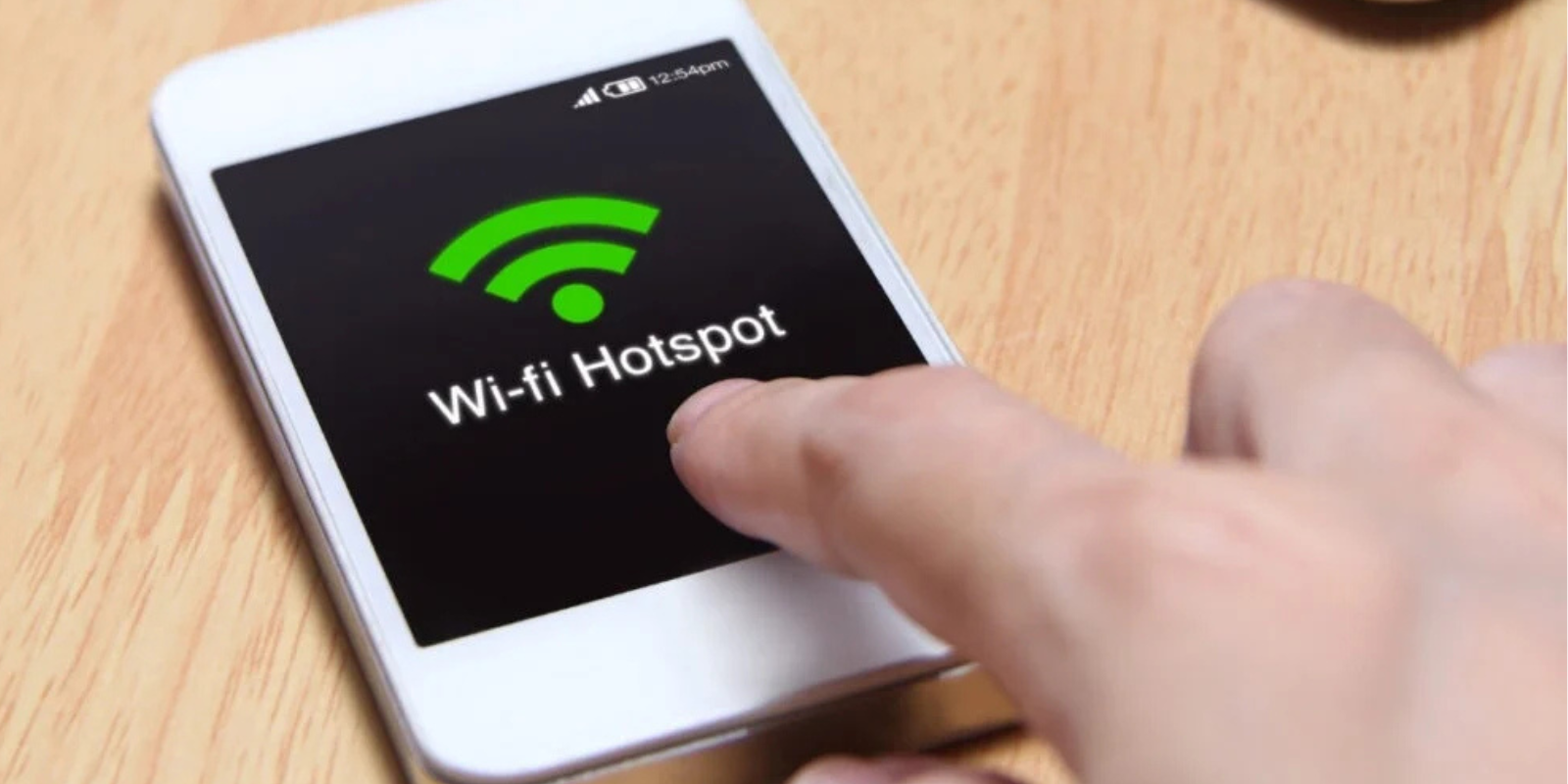
If you’ve ever asked yourself how does a hotspot work, you’re not alone. In this guide, you’ll learn how hotspots keep you connected on the road, whether you’re working remotely, traveling overseas, or using an eSIM to get fast, reliable internet anywhere.
Ever been stuck without Wi-Fi when you needed it most? That’s where a hotspot comes in. A hotspot is a device or feature that lets you share an internet connection using mobile data, turning your phone, tablet, or portable router into a mini Wi-Fi network. It’s one of the easiest ways to stay connected when traveling, working remotely, or dealing with an unexpected internet outage.
So, how does a hotspot work? In simple terms, it connects to a cellular network and broadcasts a Wi-Fi signal that other devices can join. A hotspot allows you to send emails from a café in Paris or upload videos from a road trip. You can even use it as a backup during a power cut, giving you the flexibility to access the internet anytime, anywhere.

How Does a Hotspot Actually Work?
So, how does a mobile hotspot work? It’s simpler than you might think. Your phone or dedicated hotspot device connects to the internet using mobile data from your SIM card. Then, it turns that data into a shareable Wi-Fi signal similar to a mini router, allowing other devices such as laptops, tablets, or even cameras to connect.
In other words, your phone or device acts as the middleman. It pulls data from the cellular network and sends it out as Wi-Fi that nearby devices can use. This makes it incredibly useful when you’re away from home, working remotely, or exploring new destinations. For travelers, portable WiFi for travelling offers the convenience of reliable internet access without depending on public or hotel networks.
Types of Hotspots You Can Use
Now that you know how does a hotspot work, let’s look at the different types available. Each one offers a slightly different way to stay connected, depending on your needs and where you are.
1. Mobile Hotspot (Phone)
Your smartphone can act as a hotspot by sharing its mobile data connection. It’s quick, easy, and perfect for short-term use. It’s just like connecting your laptop while working from a café. Just turn on your hotspot feature, and you’re good to go.
2. Portable Hotspot (MiFi)
A portable hotspot, often called a MiFi device, is a small, dedicated gadget that creates Wi-Fi using a SIM card. It’s ideal for travelers who need consistent internet on multiple devices. Think of it as portable WiFi for travelling. It’s compact, reliable, and independent of your phone’s battery.
3. Dongle Hotspot
A dongle (or USB modem) plugs directly into your laptop or tablet to give you internet access via mobile data. It’s a great option if you primarily work from a single device and don’t need to connect multiple gadgets at once.
4. Public Hotspot
These are the free or paid Wi-Fi networks you’ll find in airports, cafés, and hotels. While convenient, they’re not always secure, so avoid logging into sensitive accounts or making online payments on public networks.

Using a Hotspot with an eSIM
If you’ve ever wondered how can I use hotspot while traveling without worrying about expensive roaming fees, the answer might be simpler than you think - use an eSIM for international travel.
A Jetpac’s international eSIM lets you connect to local data networks instantly, without the need for physical SIM cards or complicated setup. Once activated, you can easily turn on your phone’s hotspot feature to share that connection with your laptop, tablet, or travel partner’s device. It’s a fast, flexible, and budget-friendly way to stay online wherever you go.
With an eSIM, there’s no waiting in airport lines to buy a SIM or dealing with surprise roaming charges. You can choose a data plan before you even land, activate it in minutes, and start using your hotspot right away. For frequent travelers, combining a hotspot with an eSIM means smooth connectivity, easy sharing, and total control over your data usage, no matter what country you’re in.
Everyday Uses of a Hotspot
Once you understand how does a hotspot work, it’s easy to see how useful it can be in everyday life. Hotspots aren’t just for emergencies. They’re also a flexible internet solution for all kinds of situations.
Working Remotely
Whether you’re a freelancer or a remote employee, a hotspot keeps you online from anywhere, from cafés to coworking spaces, or even the beach! It’s perfect for video calls, emails, and file sharing when Wi-Fi isn’t available.
Road Trips and Travel
On long drives or during international trips, a hotspot gives you reliable internet for navigation, streaming music, or checking bookings. It’s especially handy for travelers who prefer staying connected without using public Wi-Fi.
Sharing Internet with Friends
Need to help someone get online quickly? Just turn on your personal hotspot and share your connection. It’s as simple as that!
Home Internet Backup
Wondering, can you use a hotspot for home internet? Absolutely. While it’s not meant to replace traditional broadband, it’s a great backup when your home Wi-Fi goes down.
If you're wondering, does the personal hotspot use data? It does. Your hotspot uses your mobile plan’s data allowance to create a Wi-Fi network, so it’s smart to keep an eye on your usage, especially when streaming or downloading large files.
Understanding Hotspot Costs and Data Usage
Before turning your phone or device into a Wi-Fi source, it helps to understand what really affects your hotspot costs. Once you know how does a hotspot work, it’s easier to manage your data and avoid surprise charges.
When you use your phone or a portable device as a hotspot, it shares your mobile data with other devices. So yes, does the personal hotspot use data? Absolutely. Every time someone streams a video, joins a video call, or downloads files through your hotspot, that data comes out of your mobile plan.
Your total cost depends on three main factors:
Your data plan: Some mobile plans include hotspot data, while others charge extra or have limited speeds after you reach a certain cap.
How you use it: Streaming, gaming, and video calls consume much more data than browsing or messaging.
Number of devices connected: The more people or gadgets connected, the faster your data gets used up.
If you’re wondering how can I use hotspot affordably while traveling, consider using the best eSIM for international travel. They often offer regional or global data packages designed for hotspot use, helping you stay connected without expensive roaming fees.
Now that you have a clearer picture of how data costs work, it’s time to look at how to avoid roaming charges when using your hotspot overseas.

How to Set Up and Use a Hotspot
Now that you know how does a hotspot work, let’s go over how to actually set one up. Whether you’re using your phone or a portable wifi for travelling, it only takes a few quick steps to get connected.
Setting Up a Mobile Hotspot on Your Phone
For iPhone:
Go to Settings → Cellular → Personal Hotspot.
Turn on Allow Others to Join.
Create or check your Wi-Fi password, then connect your other devices using that password.
For Android:
Open Settings → Network & Internet → Hotspot & Tethering (menu names may vary by brand).
Tap Wi-Fi Hotspot and switch it on.
Set a network name and password to secure your connection.
Connect your laptop or tablet just like you would to any Wi-Fi network.
That’s it, your phone should now be broadcasting its mobile data as Wi-Fi. So if you’ve ever asked yourself, how does a mobile hotspot work, this is it in action: your phone converts cellular data into a shareable signal.
Using a Portable Hotspot Device
If you travel often, a dedicated hotspot, also known as a pocket Wi-Fi or MiFi, can be a lifesaver. Simply insert a SIM or eSIM, power on the device, and connect your gadgets using the provided Wi-Fi name and password. Many travelers consider these the best pocket WiFi for international travel because they support multiple devices and keep your phone battery free for other tasks.
Tips for Faster and Safer Hotspot Connections
Whether you’re using your phone’s hotspot or a portable WiFi for travelling, a few smart tweaks can make a big difference in speed and security. Here’s how to get the most out of your connection:
1. Check Your Signal Strength
A weak mobile signal means slower internet. Move to an open area or near a window to improve your connection. For the best results while abroad, the best pocket WiFi for international travel often supports multiple network bands, automatically switching to the strongest available signal.
2. Limit Connected Devices
The more devices using your hotspot, the slower it gets. Disconnect anything you’re not actively using to free up bandwidth and maintain faster speeds.
3. Keep Your Device Cool
Hotspots can heat up quickly, especially during long use. Avoid placing them in direct sunlight or near heat sources to keep performance stable.
4. Protect Your Connection with a Password
Always set a strong password for your hotspot or pocket Wi-Fi. Open networks can expose your data to others nearby, so never leave your hotspot unsecured.
5. Update Software and Firmware
Keeping your phone or portable hotspot updated ensures better performance, improved compatibility, and security patches that protect your data while on the go.
6. Monitor Data Usage
Streaming, video calls, and large downloads can quickly drain your data. Use your device’s data tracker or your provider’s app to stay on top of your usage and avoid slowdowns or extra charges.

One Jetpac eSIM. Connect Unlimited Devices. Endless Freedom.
When it comes to staying connected abroad, Jetpac stands out as the best eSIM for international travel. With Jetpac, you can share your internet connection across unlimited devices: no restrictions, no hidden fees, and no need to juggle multiple SIM cards.
Whether you’re working remotely, traveling with family, or exploring a new city, Jetpac gives you true flexibility. This international eSIM instantly connects you to reliable local networks in dozens of countries, letting you use your hotspot freely on your phone, laptop, tablet, or any other device.
Unlike traditional roaming or local SIMs, Jetpac’s eSIM for international travel offers instant setup, transparent pricing, and global coverage, all under a single plan. It’s the simplest way to stay online wherever your adventures take you.
FAQs
Is there a downside to using your phone as a hotspot?
Yes, there are a few trade-offs to using your phone as a hotspot. While it’s convenient and great for short-term use, it can quickly drain your phone’s battery and use up your mobile data allowance faster than expected, especially when streaming or downloading large files. Hotspot connections can also slow down if your signal is weak or if too many devices are connected. For longer trips or regular use, a portable WiFi for travelling or dedicated hotspot device is often a better option.
Do you get charged for using a hotspot?
In most cases, yes, you use your mobile plan’s data when you turn on your hotspot. That means if you have a limited data plan, every connected device will draw from that allowance. Some carriers include hotspot data in their plans, while others charge extra or reduce speeds after you reach a certain limit. If you’re traveling, using an international eSIM can help you avoid high roaming fees while still enjoying hotspot access.
Will a hotspot work without cell service?
No, a mobile hotspot won’t work without cell service. It relies on a cellular network to pull data and convert it into a Wi-Fi signal. If you’re in an area with no mobile coverage, your hotspot won’t have any internet to share. For remote travel or international use, a best eSIM for international travel can automatically connect you to available local networks, ensuring your hotspot works wherever you go.
Can a hotspot replace my home internet?
A hotspot can serve as a temporary backup for home internet, but it’s not designed to be a full-time replacement. While it’s useful during outages or for occasional work, data limits, slower speeds, and signal fluctuations can make it less reliable than broadband. However, if you have a strong network connection and generous data plan, a hotspot can be a convenient alternative for light users or digital nomads.
Is hotspot free if you have unlimited data?
Not necessarily. Even if your mobile plan includes unlimited data, your carrier may set a separate limit for hotspot use or reduce speeds after you hit a certain threshold. Always check your plan details to see how much hotspot data is truly included. If you travel often, an eSIM for international travel can give you more flexibility and affordable data options without worrying about hidden restrictions or throttling.


